 Log in


Wombat Keyboards
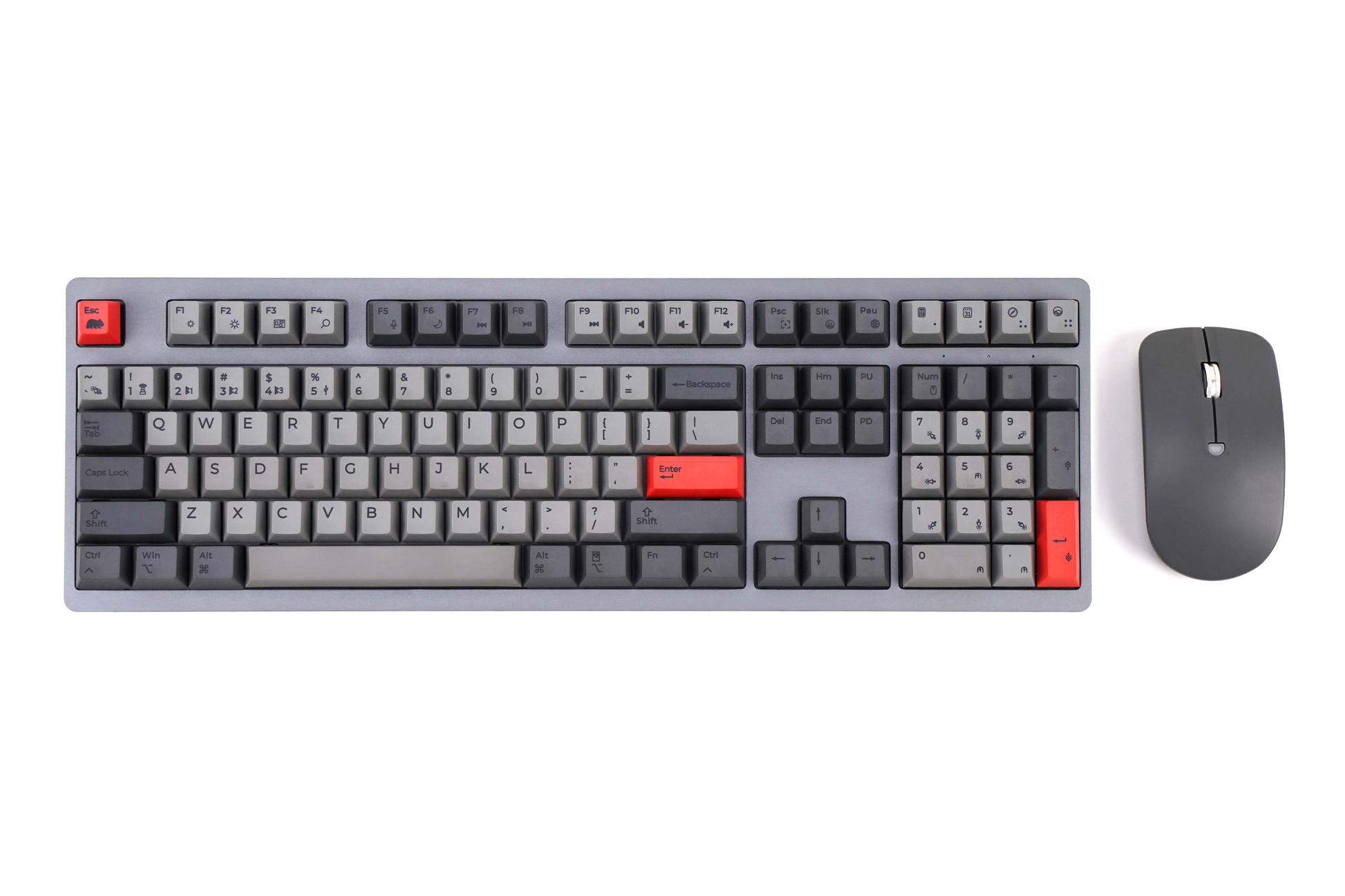
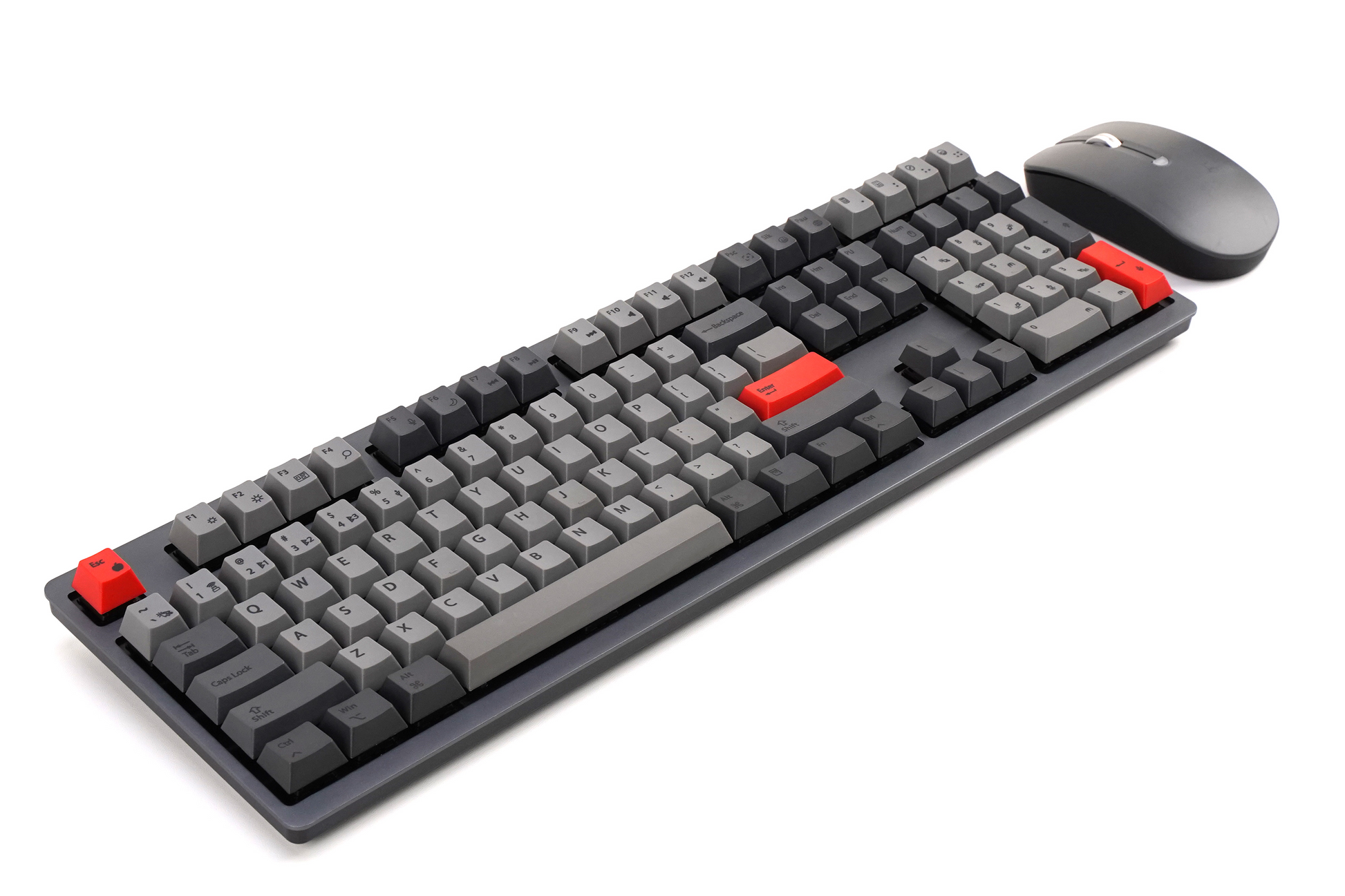
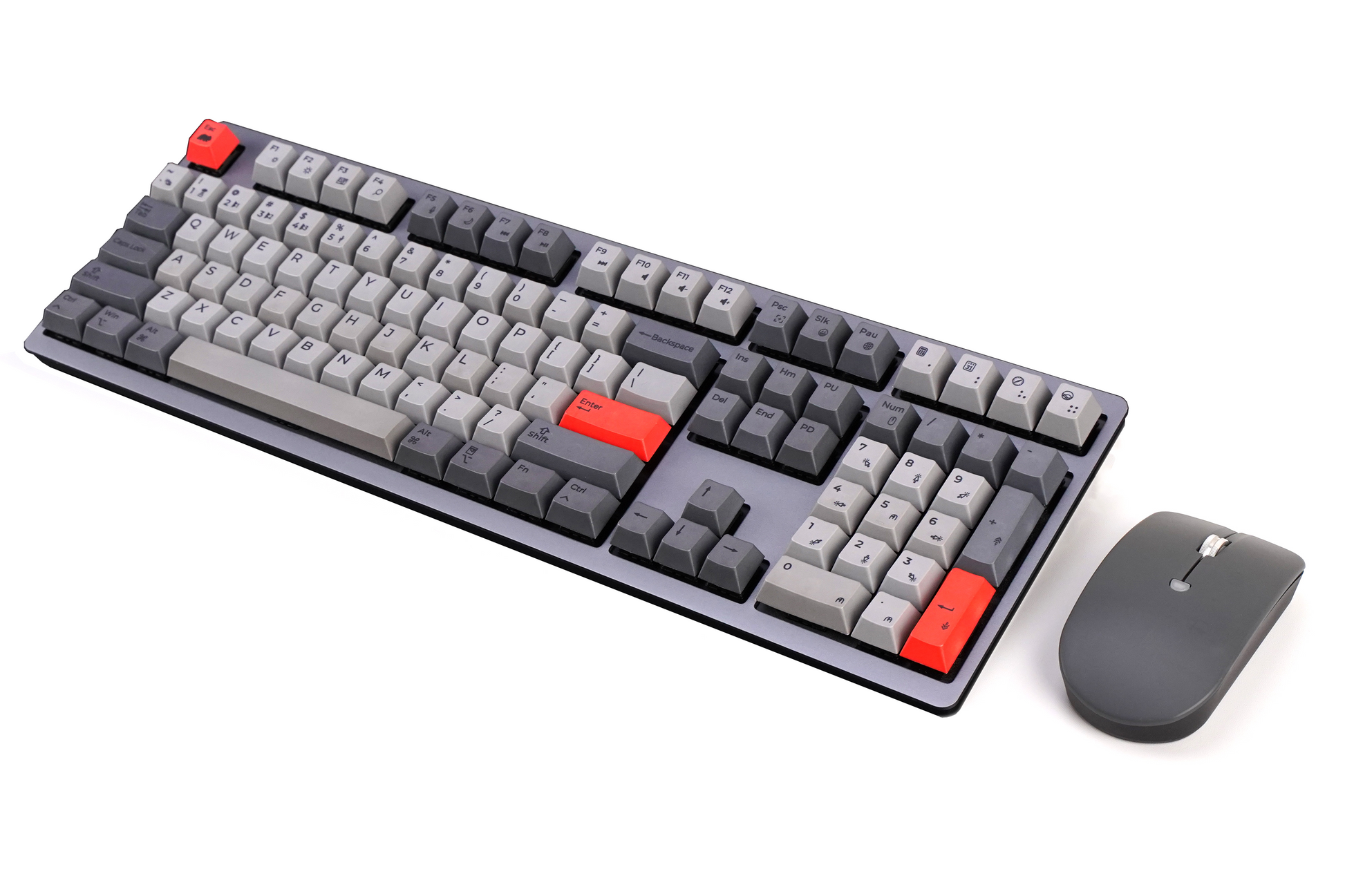
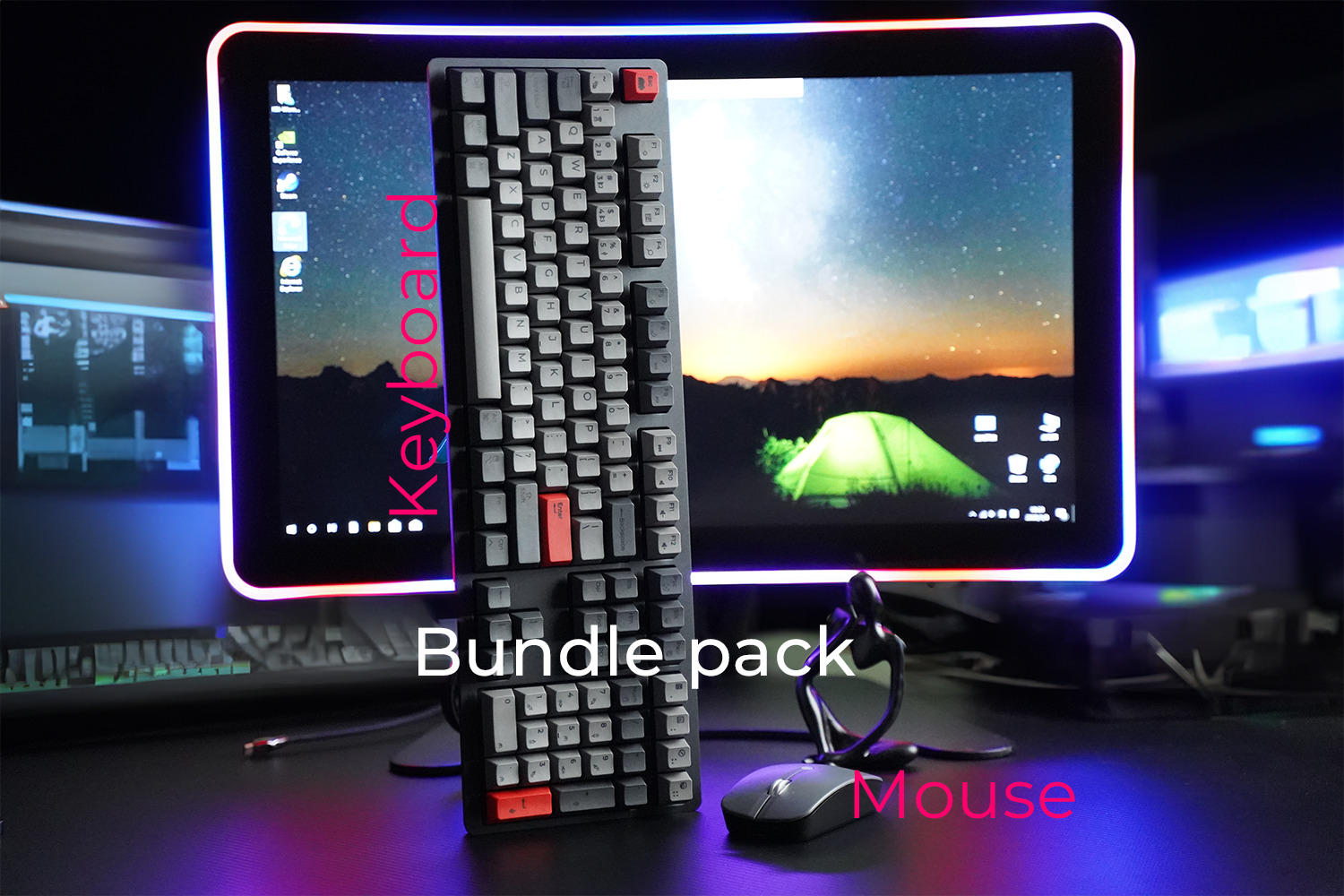
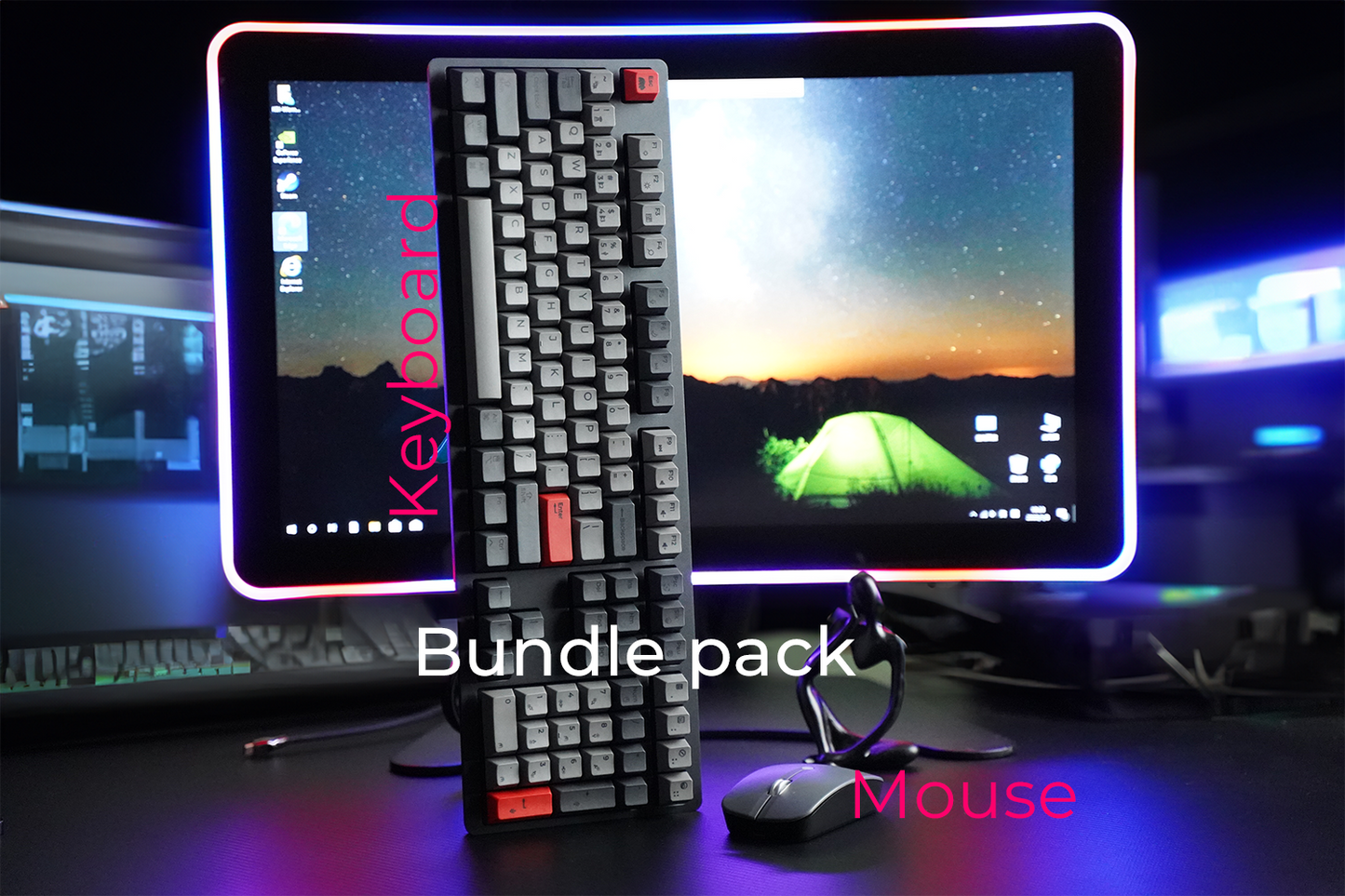
Wombat Pine Pro Bundle (Keyboard + Ivy Mouse)
Couldn't load pickup availability
Clicking the “Add to cart” or “Buy it now” button constitutes your acceptance of our Return and Warranty policy. Please note there may be duties and/or taxes levied on orders shipped to destinations outside the U.S. that are your responsibility to pay.
RETURN AND WARRANTY POLICY
Description
Description
Overview
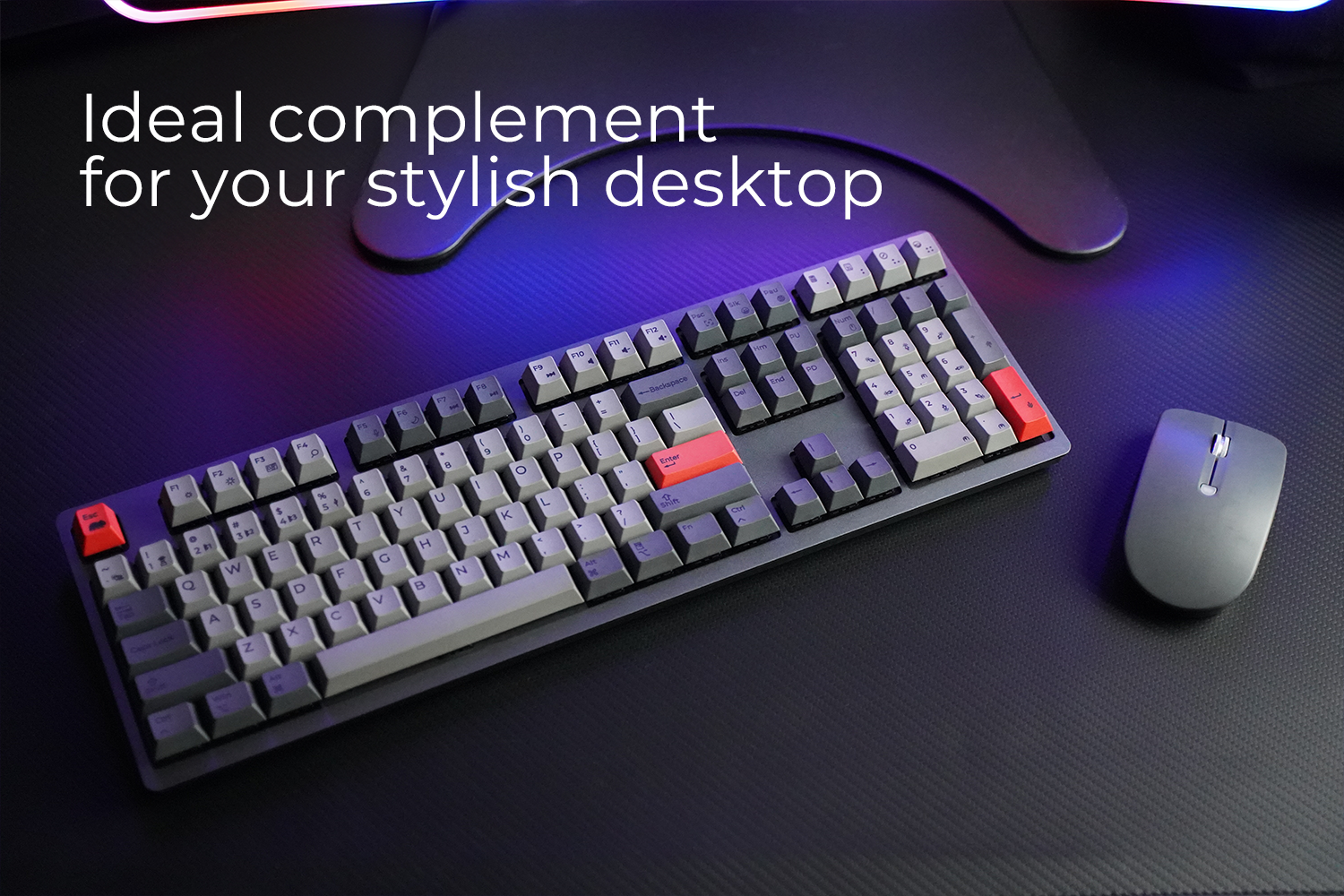
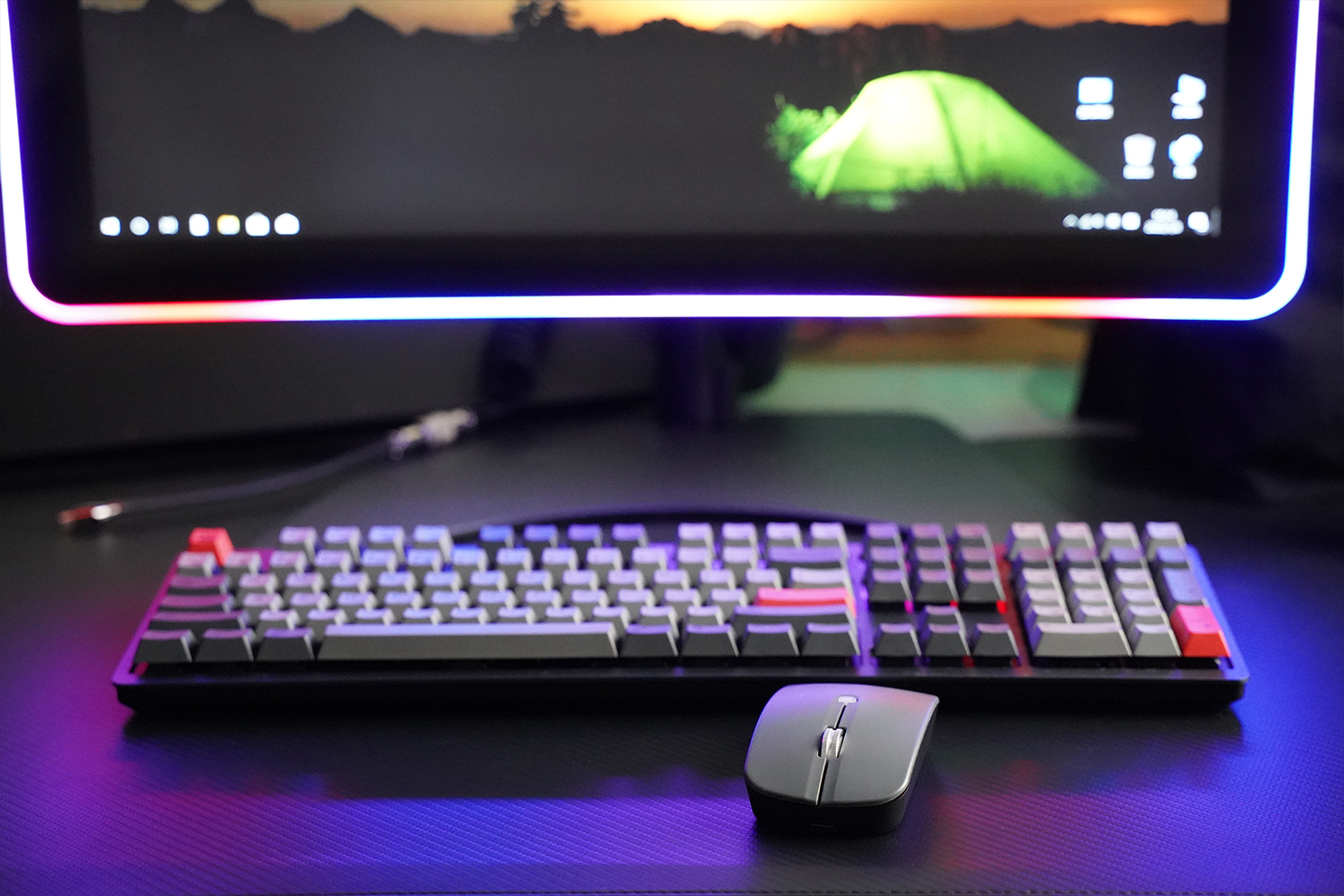
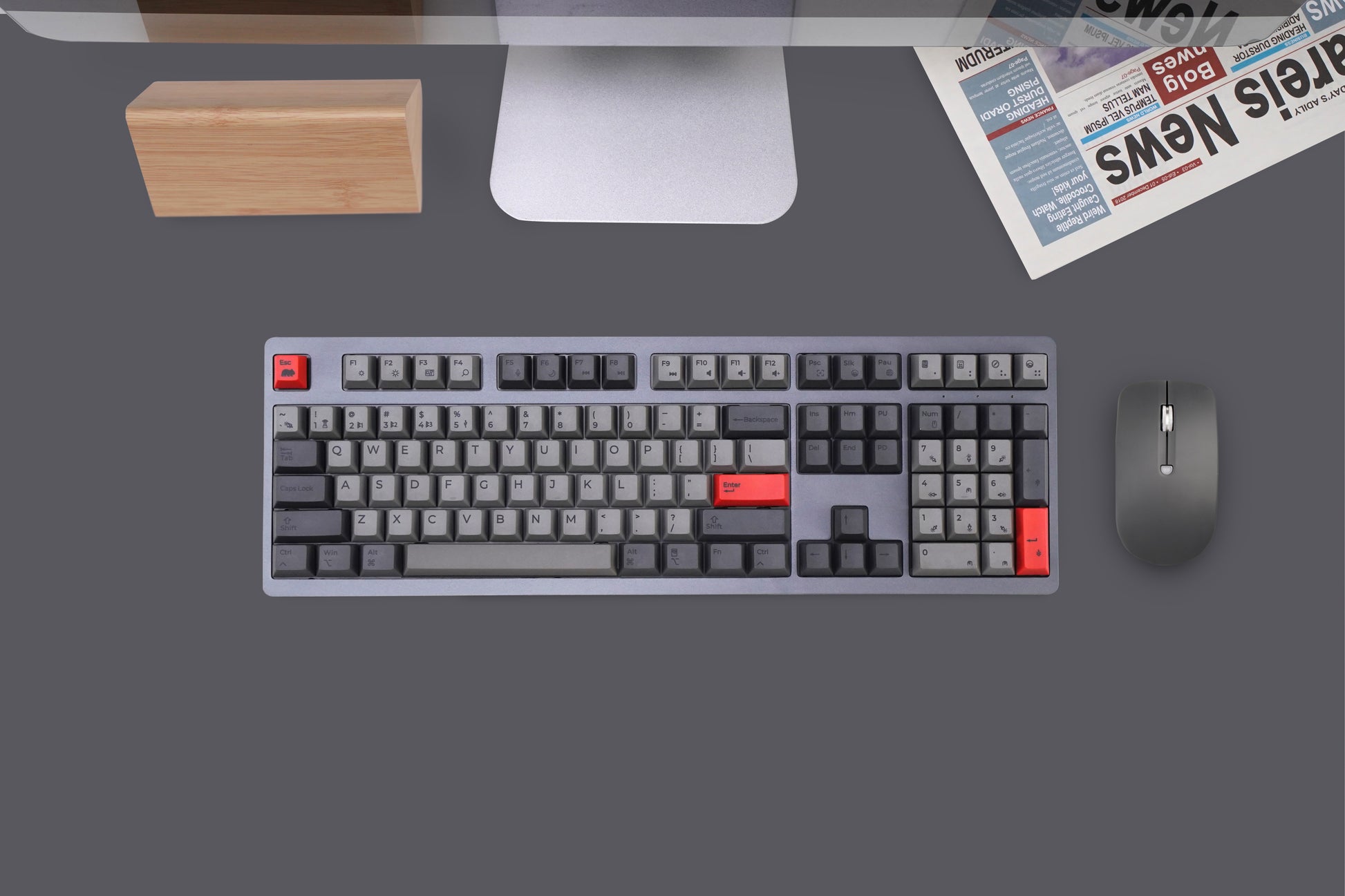
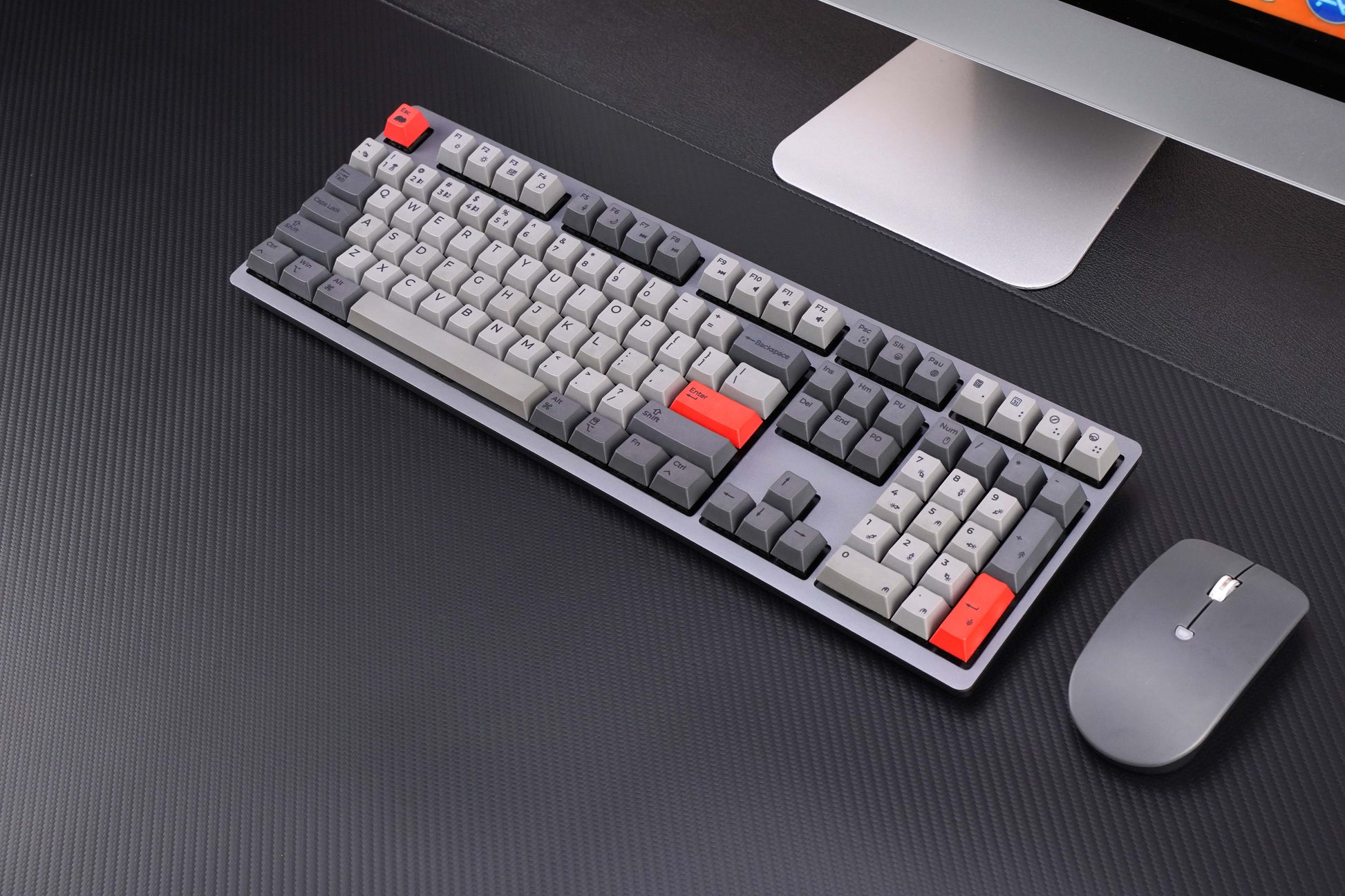
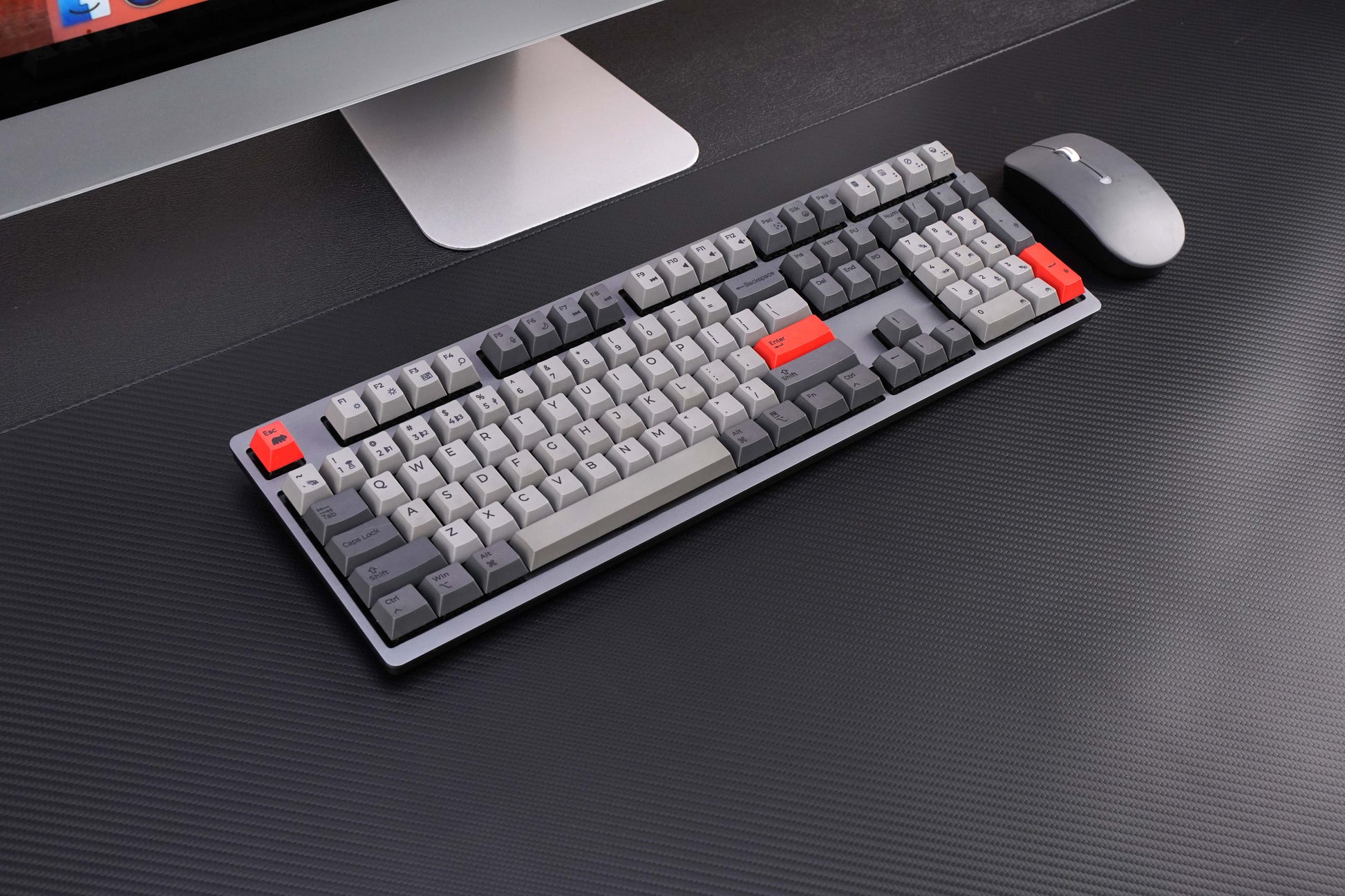
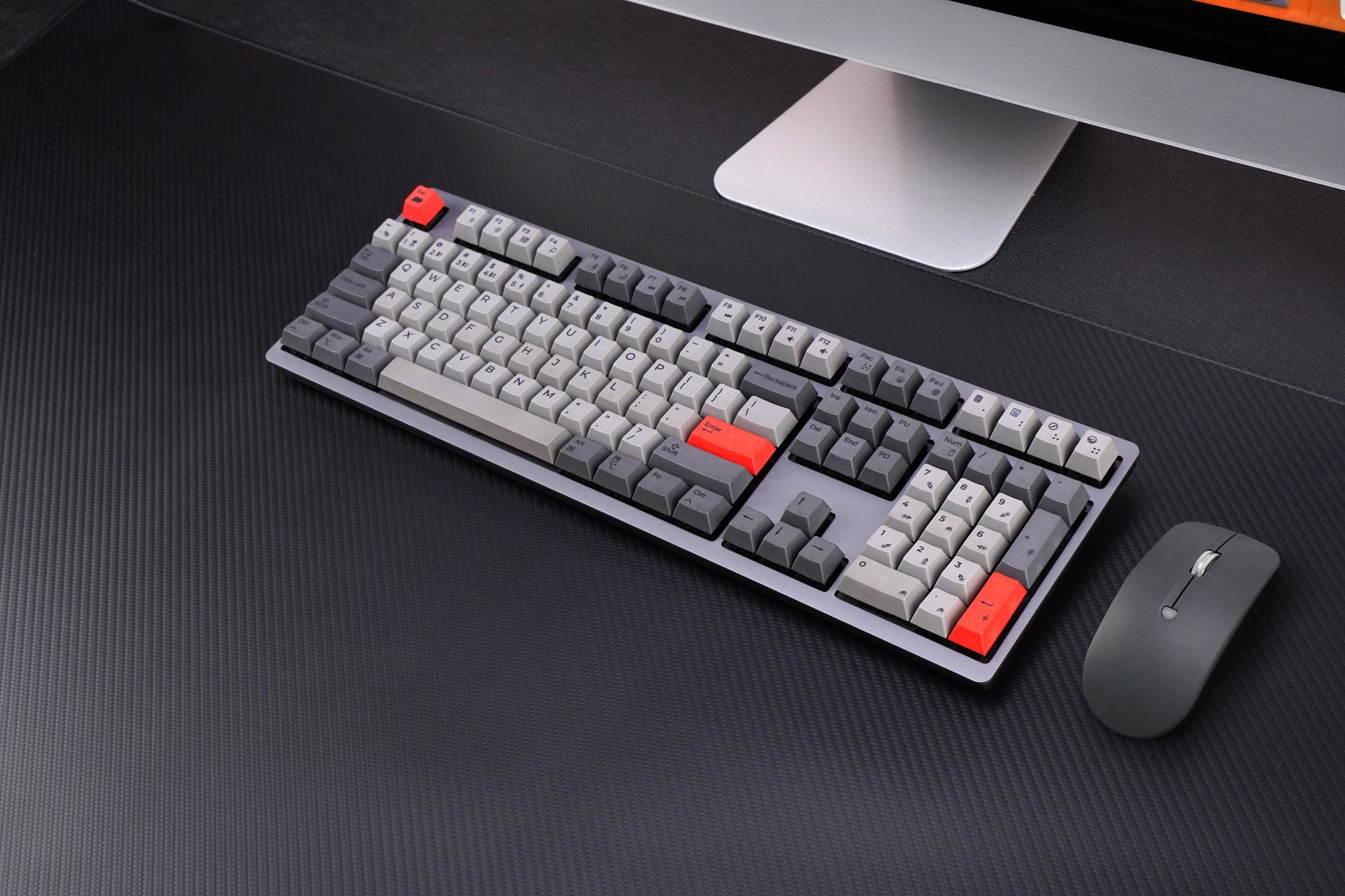
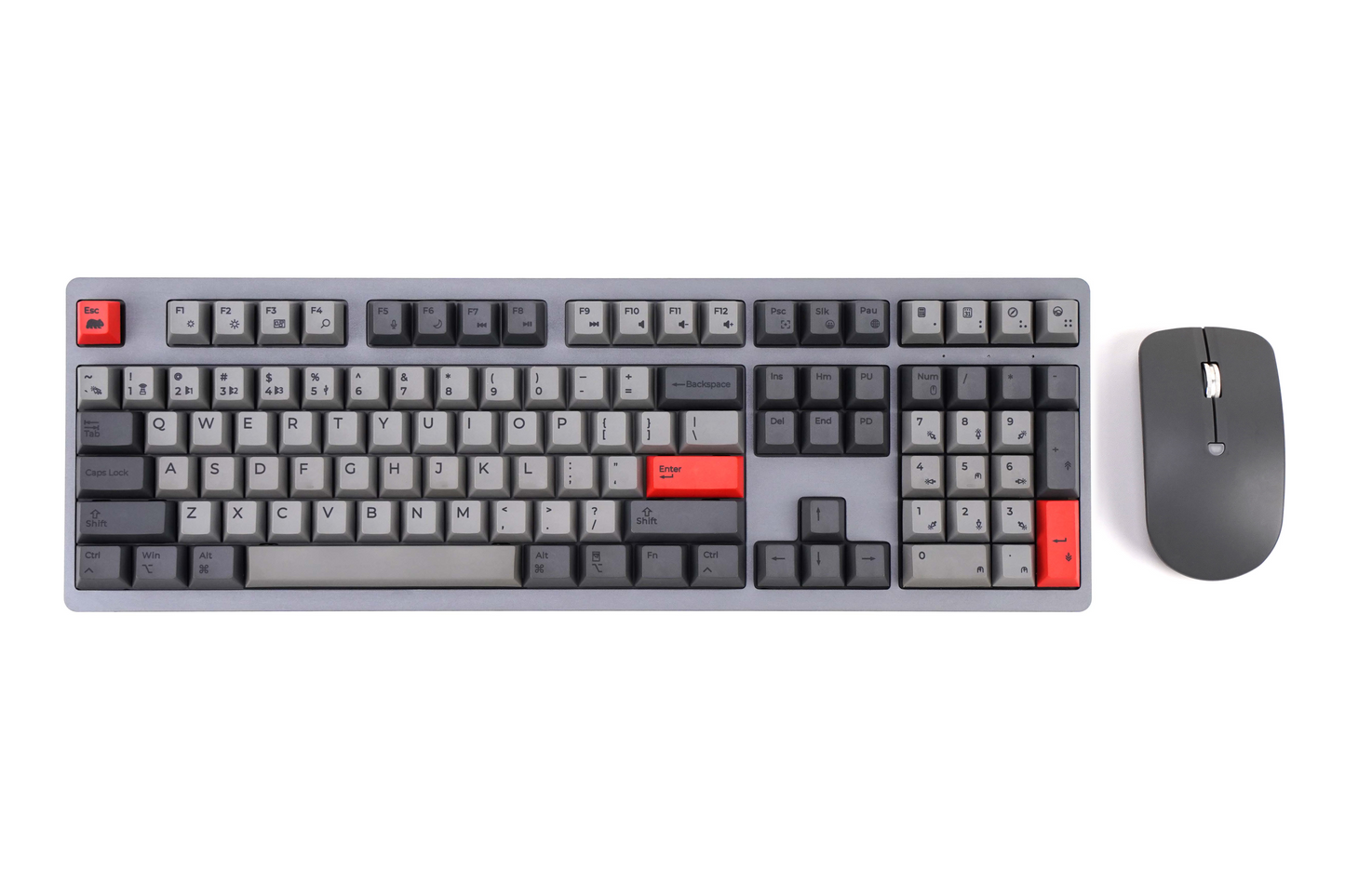
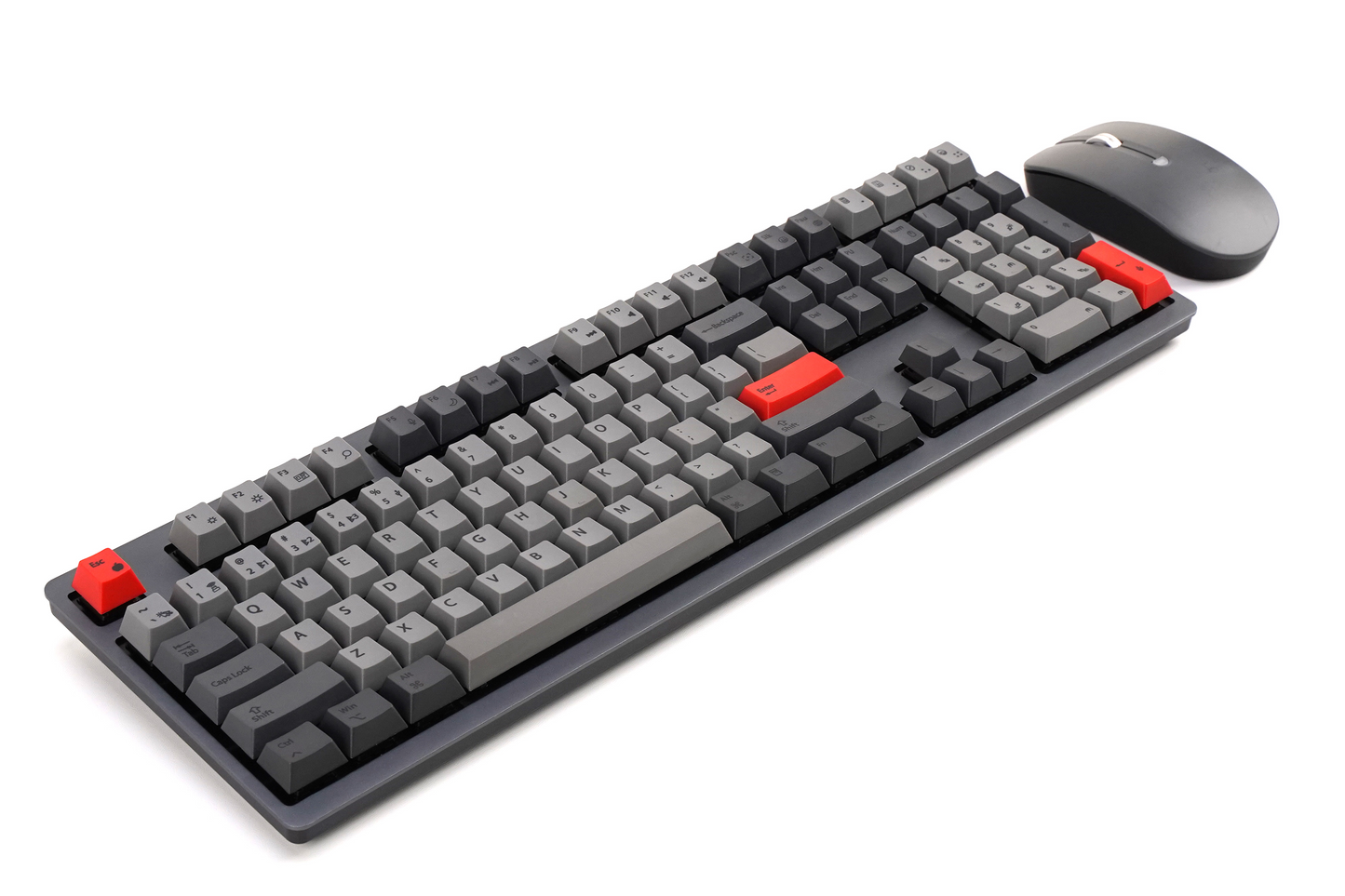
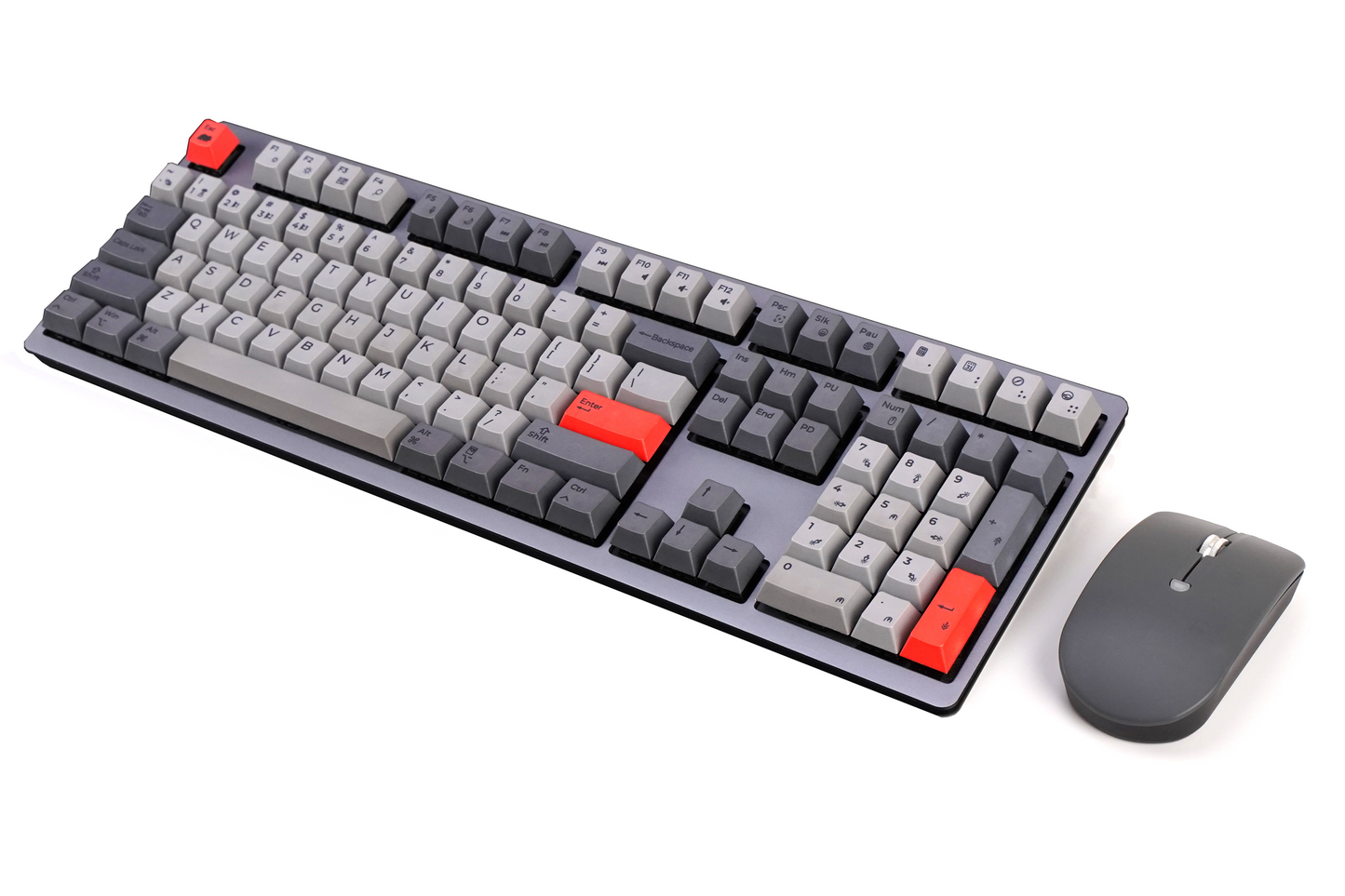
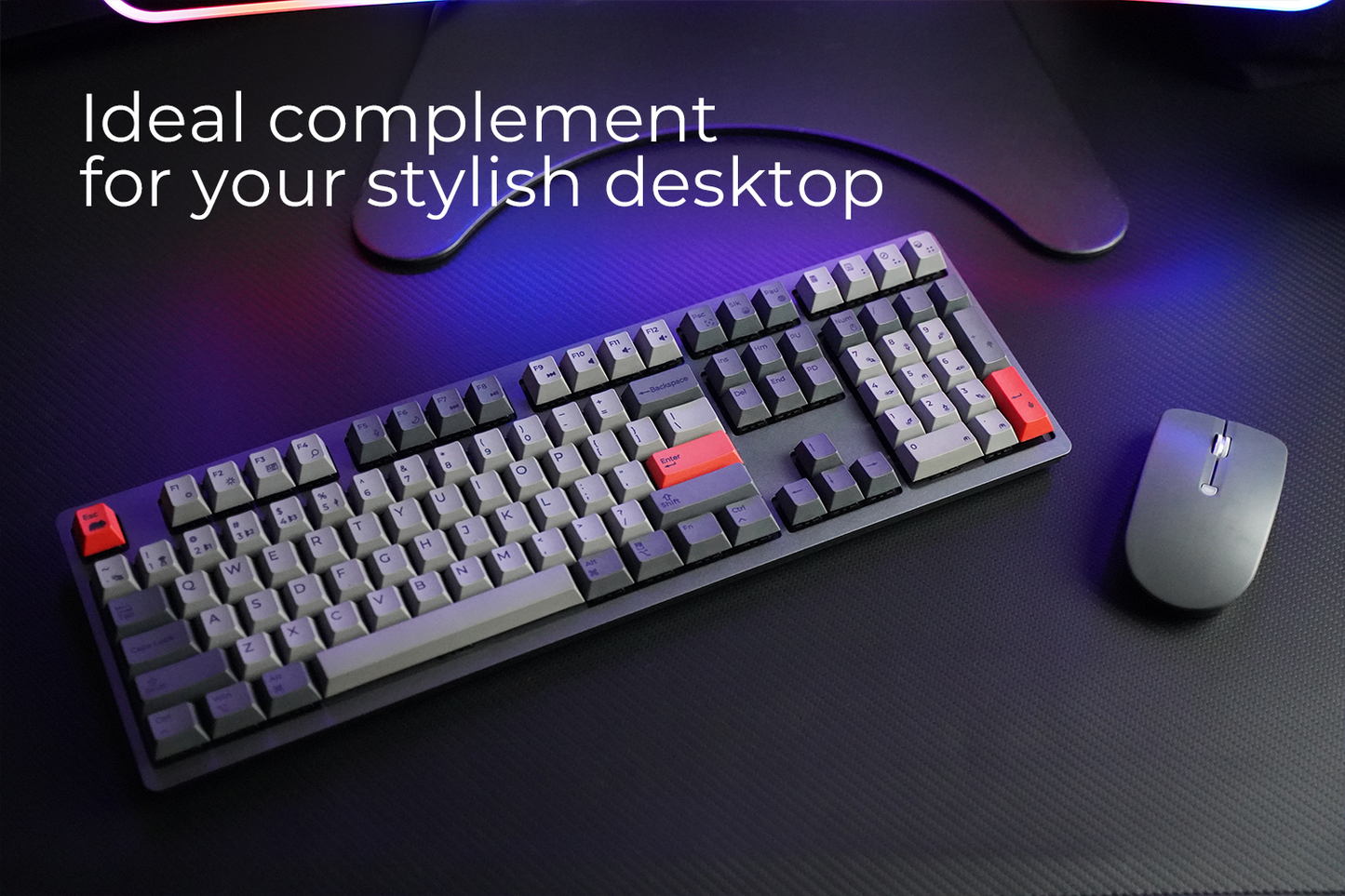
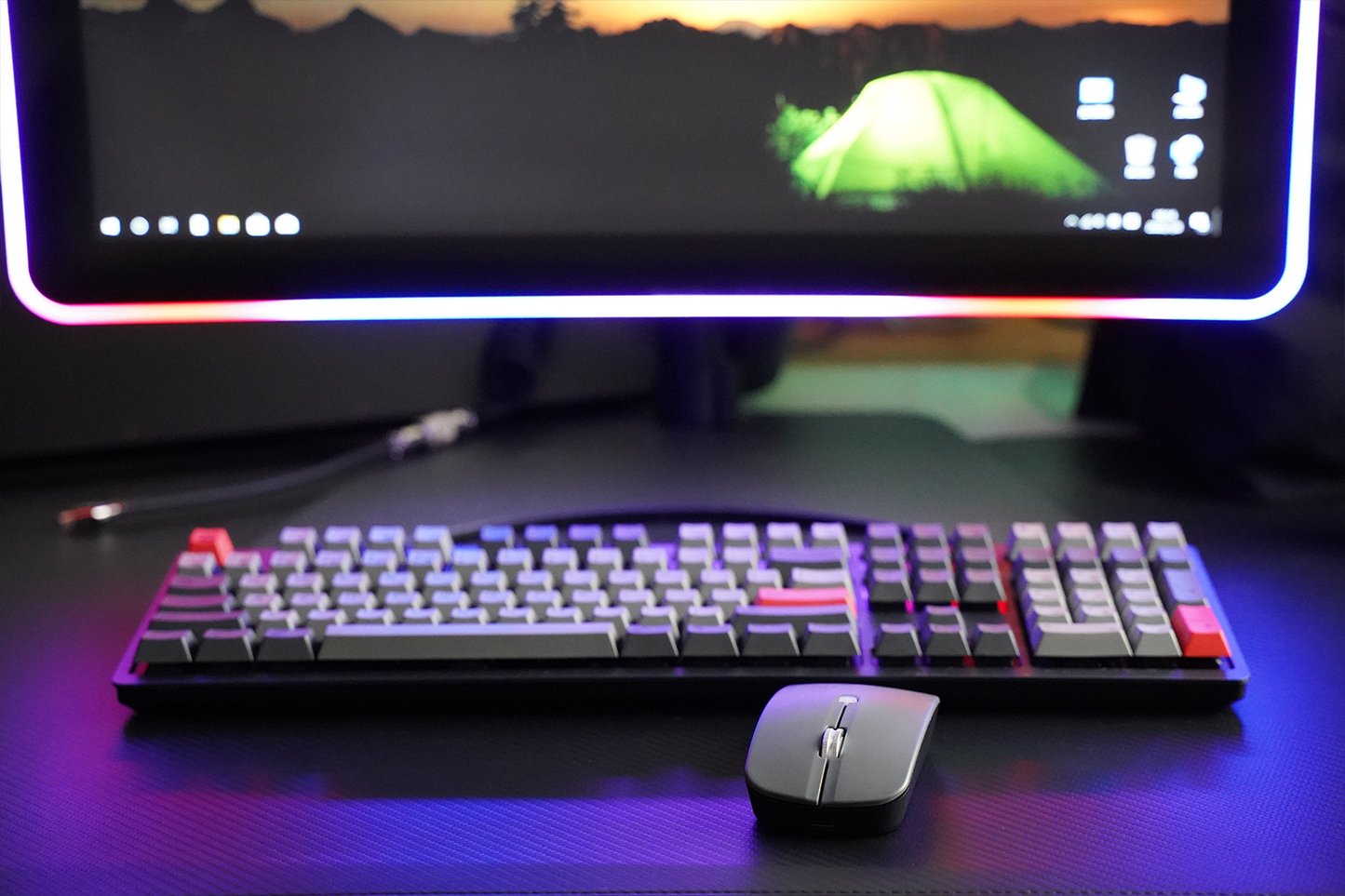
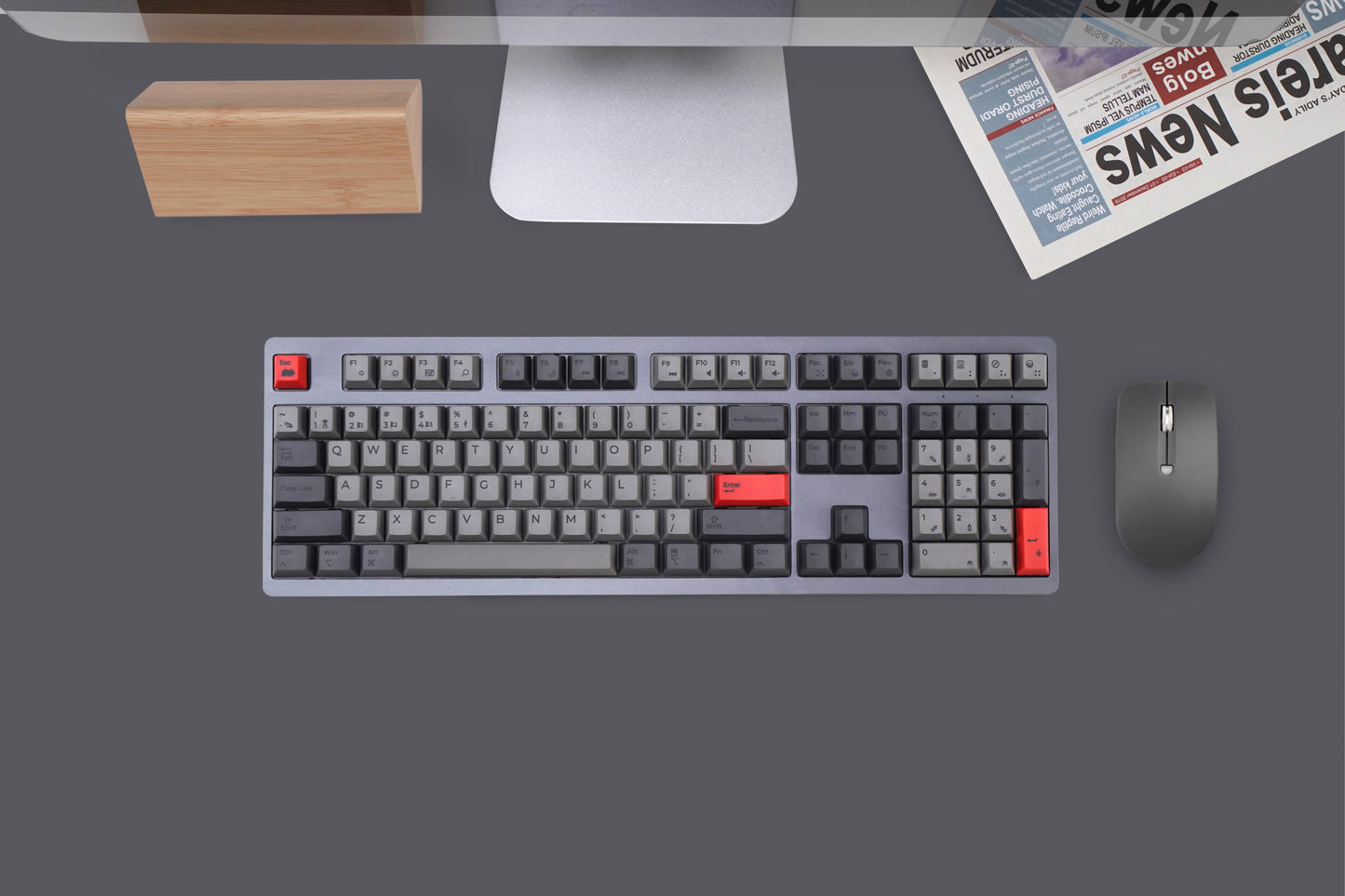
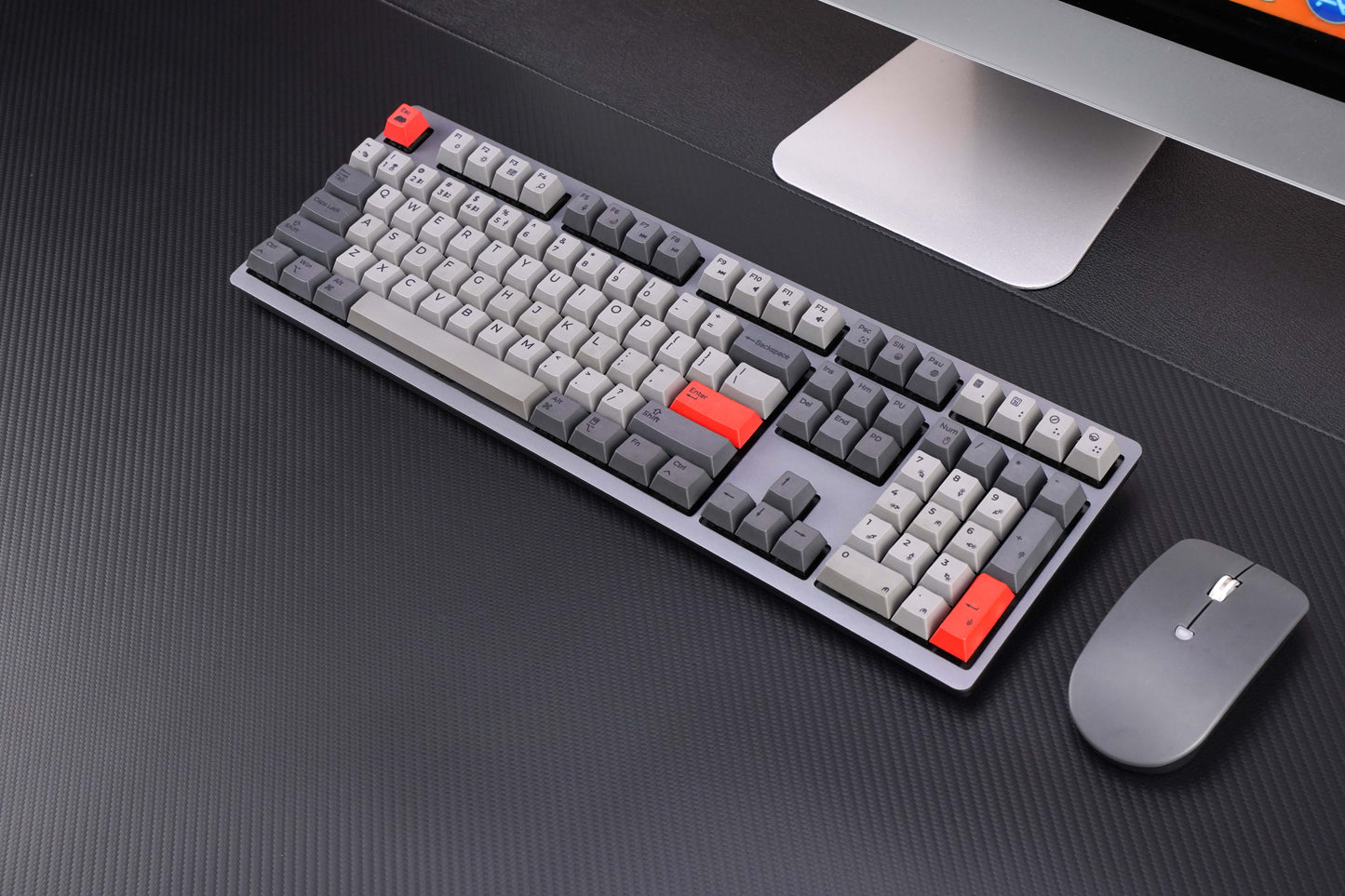
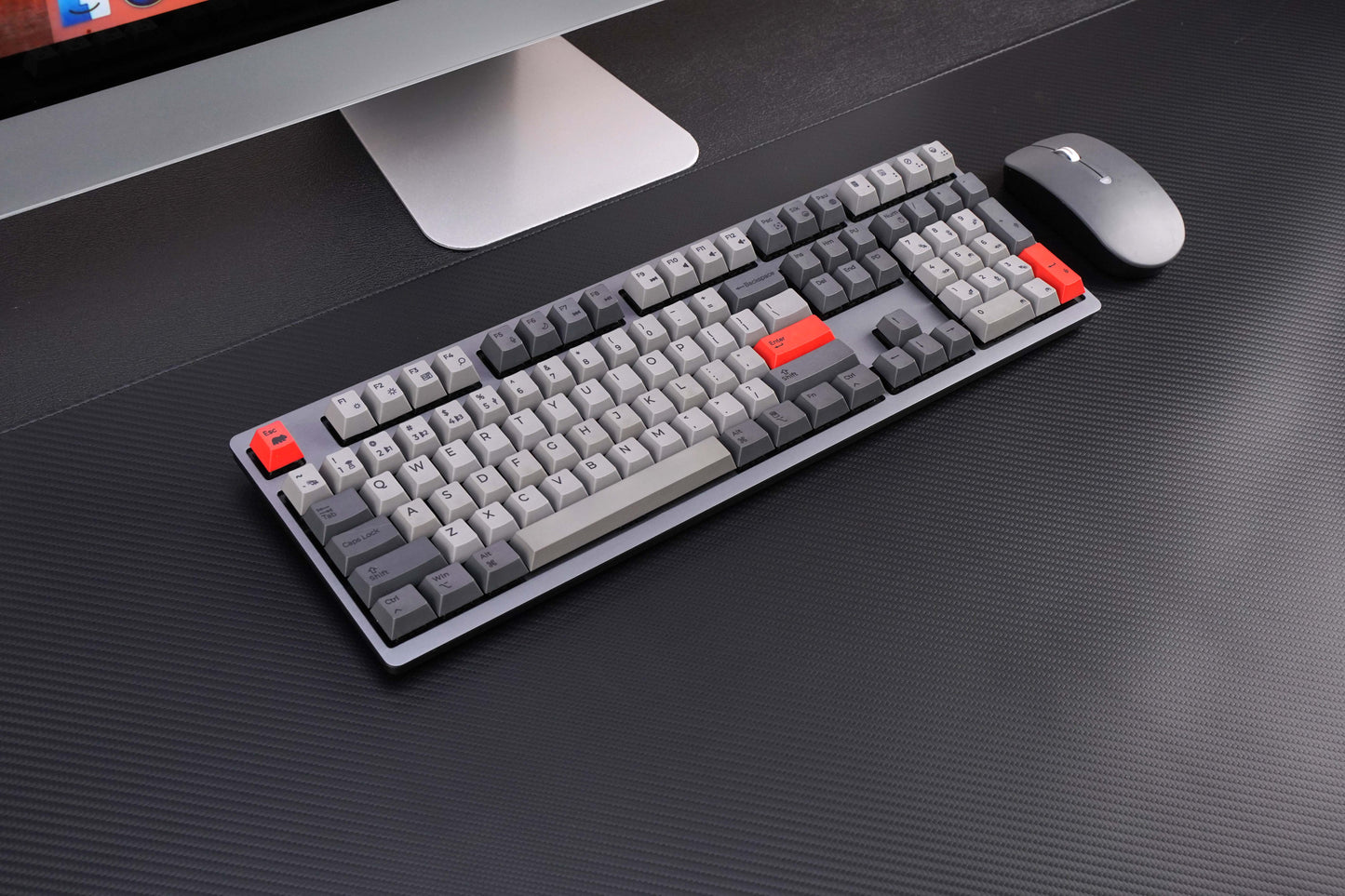
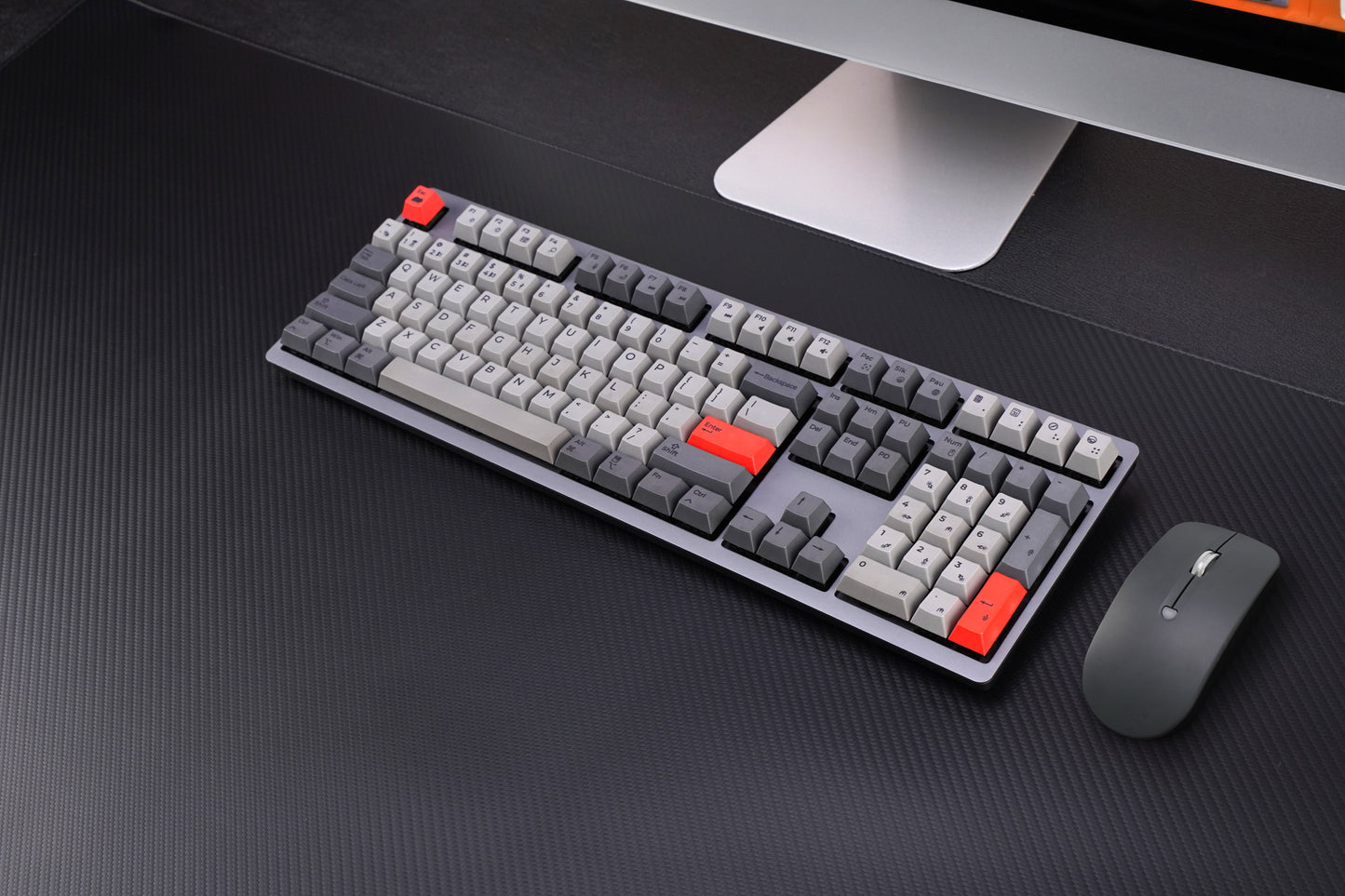
The Wombat Pine Pro Bundle combines a full-size mechanical keyboard with a precision wireless mouse, creating a unified input solution for Mac-focused users working across multiple devices. Designed for consistency and efficiency, the bundle supports seamless switching between up to five connected devices.
Included Components
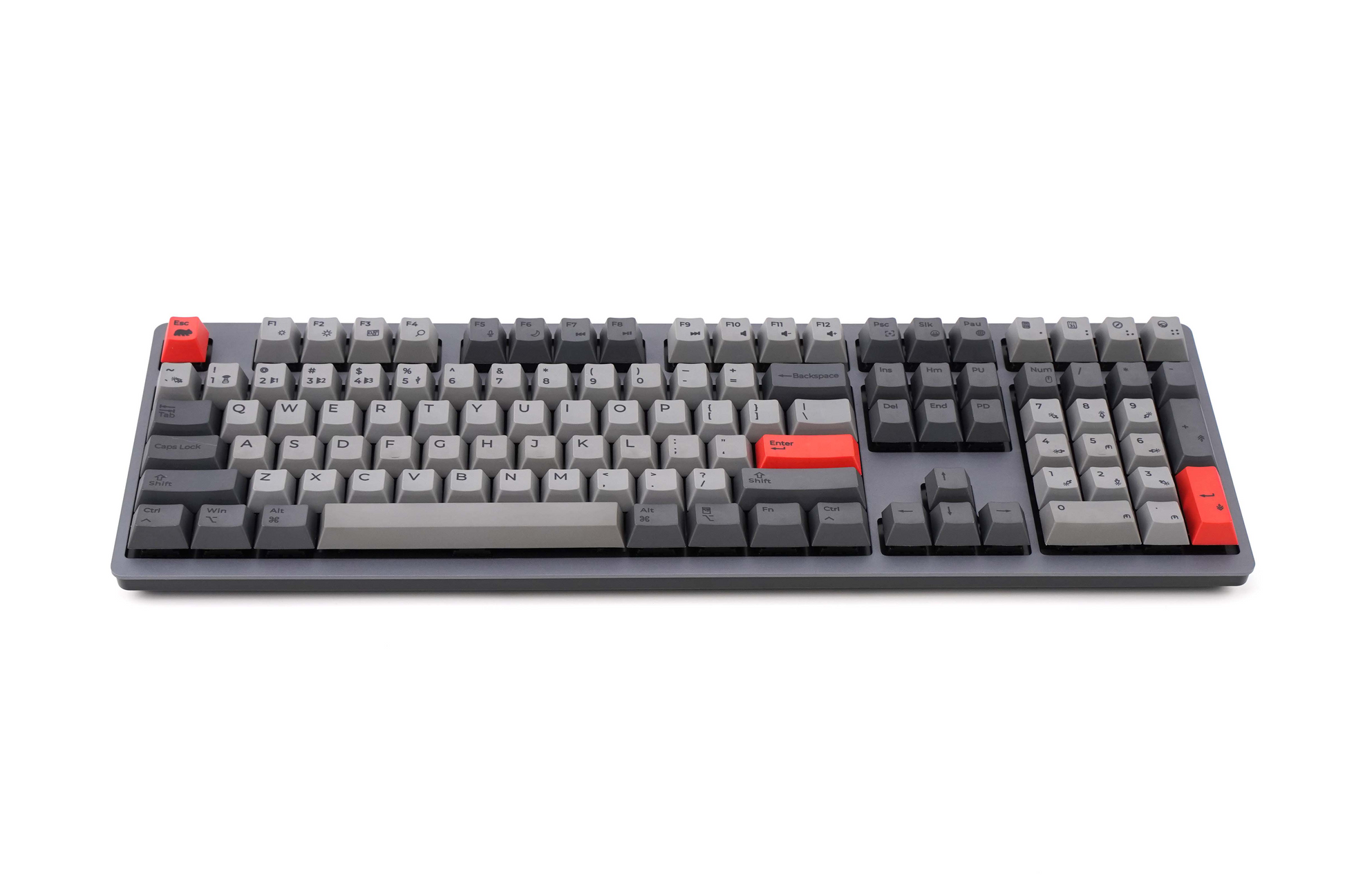
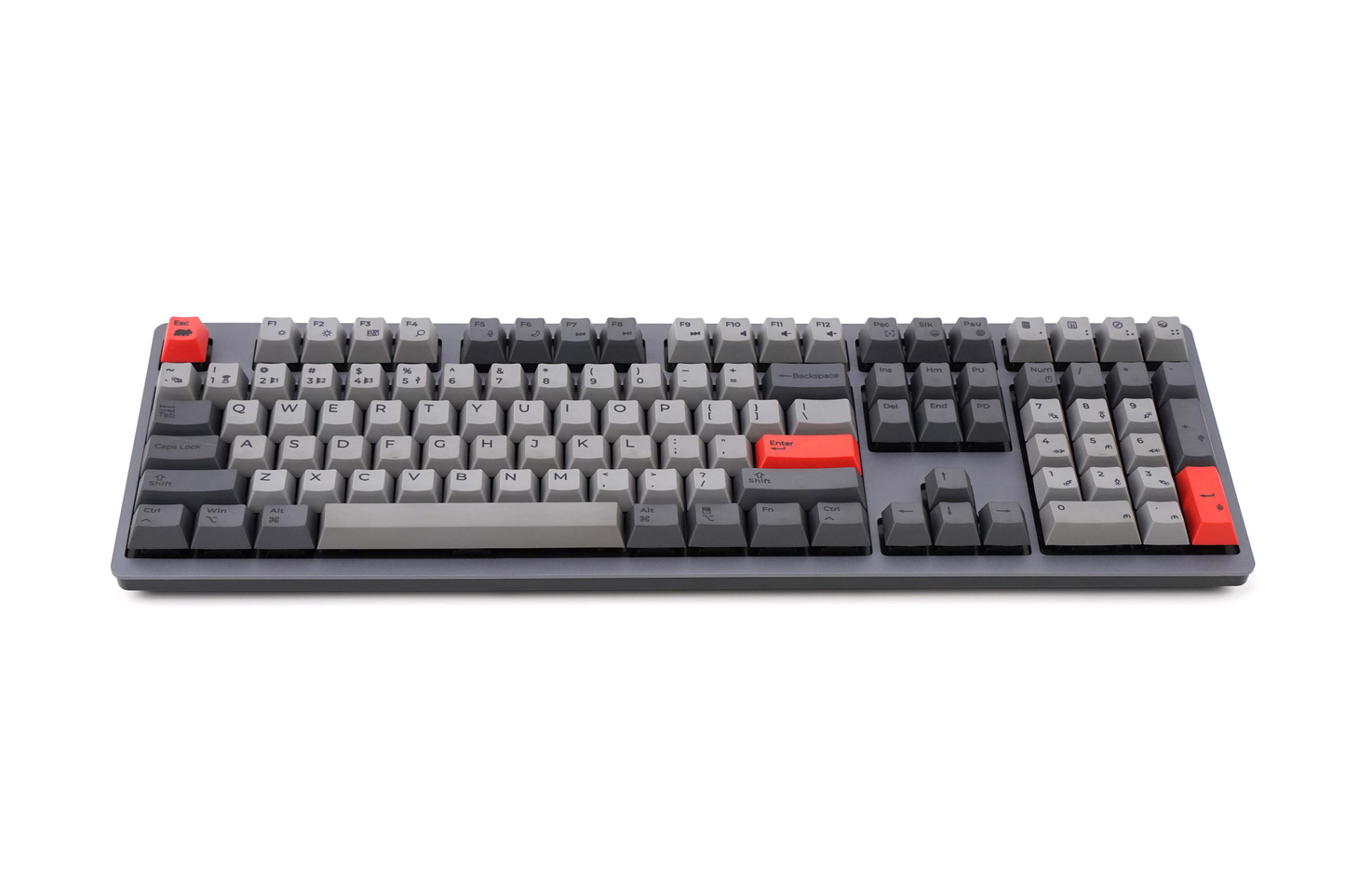
Pine Pro Mechanical Keyboard
- Full-size layout optimized for macOS
- Cherry MX Switches: Tactile Brown, Linear Red, or Linear Silent Red (non-swappable)
- Multi-device connectivity across Bluetooth, 2.4 GHz wireless (via USB dongle), and USB-C
Matching Ivy Mouse
- Precision tracking for desktop and mobile workflows
- Designed to complement keyboard-based productivity
- Suitable for navigation, multitasking, and extended daily use
Core Capabilities
Multi-Device Workflow
- Connect and manage up to 5 devices simultaneously
- Switch easily between Mac, Windows, tablets, and mobile devices
- Supports hybrid and multi-system environments
Mac-Centered Experience
- Native Mac key layout with full shortcut compatibility
- No configuration required for standard macOS functions
- Cross-platform support without sacrificing Mac usability
Integrated Input System
- Keyboard and mouse designed to function as a coordinated set
- Reduces friction between typing and navigation tasks
- Supports efficient workstation setups with fewer peripherals
Build and Materials
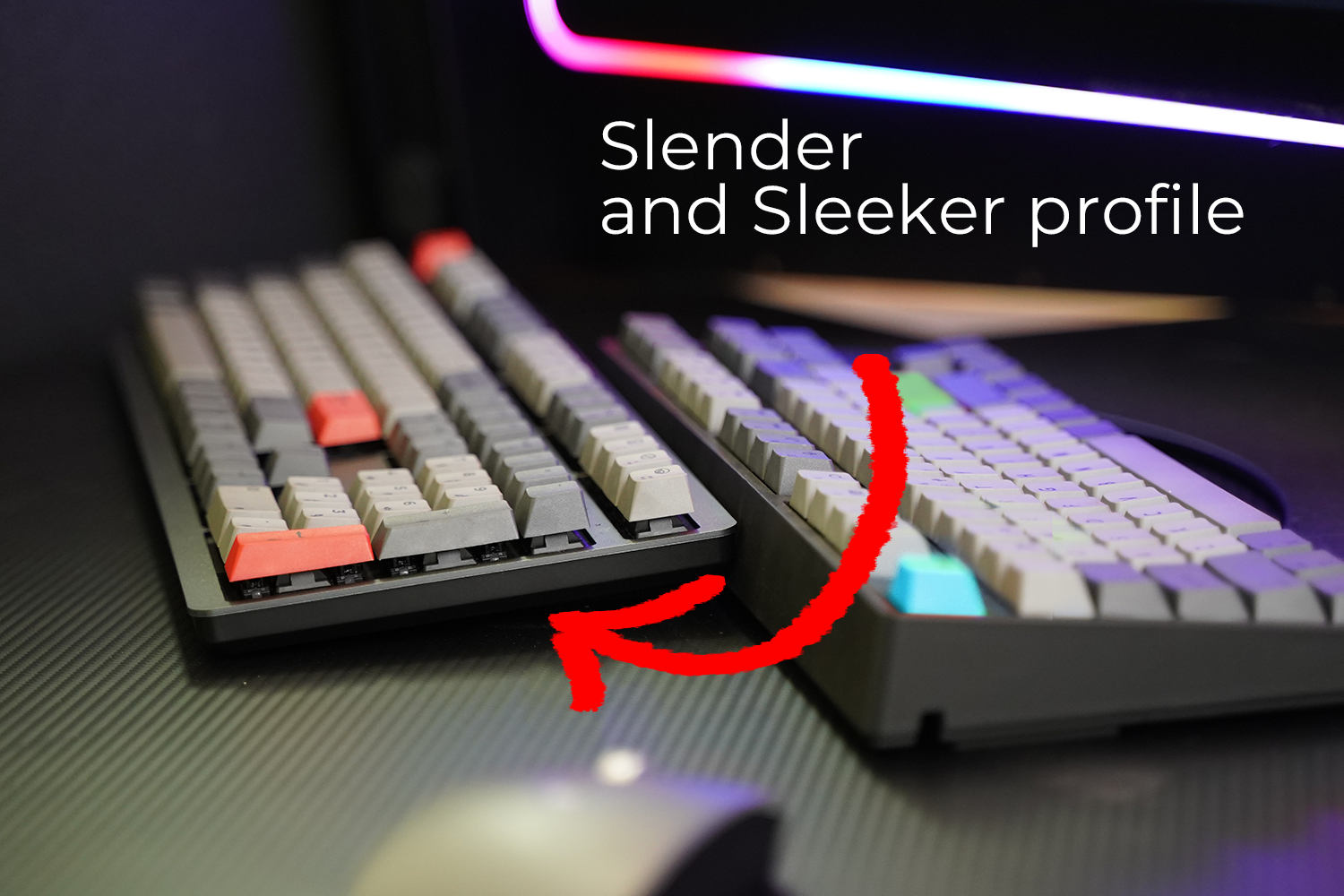
- Aluminum construction for durability and stability
- PBT keycaps for long-term resistance to wear and shine
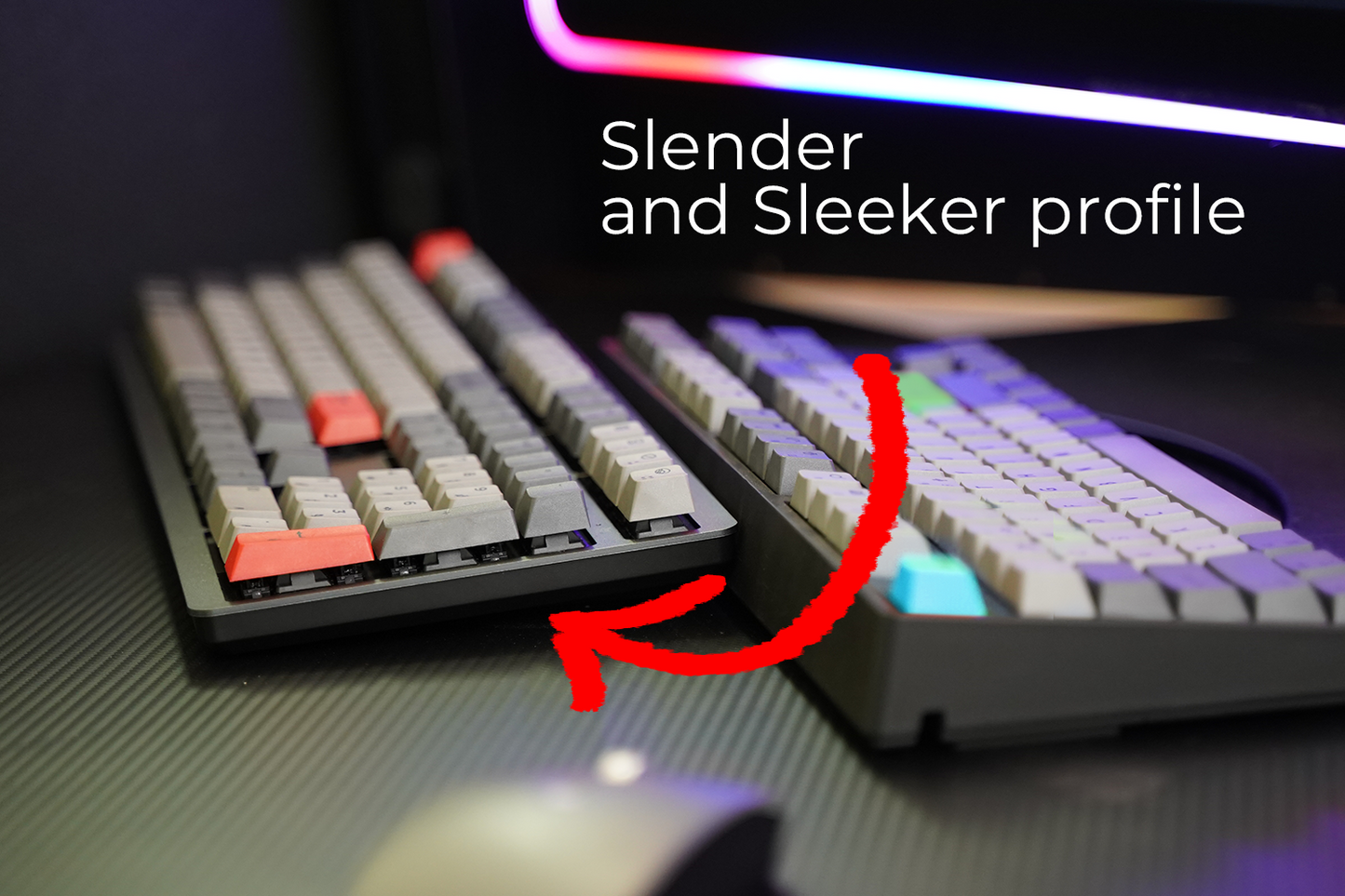
- Consistent minimalist design across both keyboard and mouse
Power and Connectivity
- Rechargeable battery system for all-day use
- USB-C charging with detachable cable
- Wireless and wired operation supported
Customization and Productivity
- Programmable macros for workflow optimization
- Supports repetitive task automation and shortcut mapping
- Designed for productivity-focused users and professional environments
Available Options
Color variants: Space Gray
Cherry MX Switches: Tactile Brown, Linear Red, Linear Silent Red
Hot-swappable switches: No (switches are factory-installed and not user-replaceable)
Use Cases
- Mac users requiring a complete desktop input solution
- Multi-device professionals managing multiple systems
- Remote and hybrid work environments
- Shared workspaces where consistent, quiet operation is preferred
Summary
A coordinated keyboard and mouse bundle designed for Mac users who need multi-device flexibility, consistent input performance, and a unified workspace experience across platforms.
Technical Specifications
Technical Specifications
Layout
- Format: Full-size
- Keys: 108-key US
Switches
- Type: Cherry MX
- Options: Red (linear), Brown (tactile), Silent Red
- Key life: Up to 50 million keystrokes
- Hot-swappable: No
Keycaps
- Material: PBT
- Legends: Dye-sublimated
- Profile: Standard
Connectivity
- Modes: USB / Bluetooth / 2.4 GHz
- Multi-device support: Up to 5 devices
- Wireless technology: REX 2.0
Compatibility
- macOS, Windows, Linux, iOS, Android
Power
- Type: Rechargeable battery / Wired
- Battery: 1000mAH Li-Po
- Charging: USB-C
Customization
- Macros: Up to 14 programmable
- Software: WB Pouch compatible
- Additional features: Turbo Fire, Mouse Keys
Lighting
- Backlighting: None
Build
- Top: Aluminum
- Stabilizers: Pre-lubed
- Internal: Noise & vibration absorption layer
- Keyboard Weight: 1kg(2.2lb)
Product Category
- Mechanical keyboard (Mac-optimized, multi-device)
Product Dimensions
Product Dimensions
What's in the box?
What's in the box?
- Keyboard
- White Type C USB cable
- Type A RF wireless receiver
- Type A - C adaptor
- Type C - A adaptor
- User manual
WB Pouch
WB Pouch
WB Pouch software is designed to assist you in programming your new keyboard. The software allows you to create useful shortcuts, add emoji keys, create custom hot keys for specific software (ex. Zoom, Final Cut Pro), and adjust keyboard backlighting effects (on certain models). Updates and Firmware changes and much more! Dedicated keys can be assigned as 1) macro, 2) shortcut, 3) emoji, or 4) multimedia key.
*software not supported on PINE STANDARD/OAK STANDARD/ASPEN PRO

Fast Shipping

Easy Returns

Secure Payments

Support 24/7
Key Features
*require macOS Big Sur or higher
*require setup in macOS
*require setup in Operating System
*Learn More
*Learn More