Log in


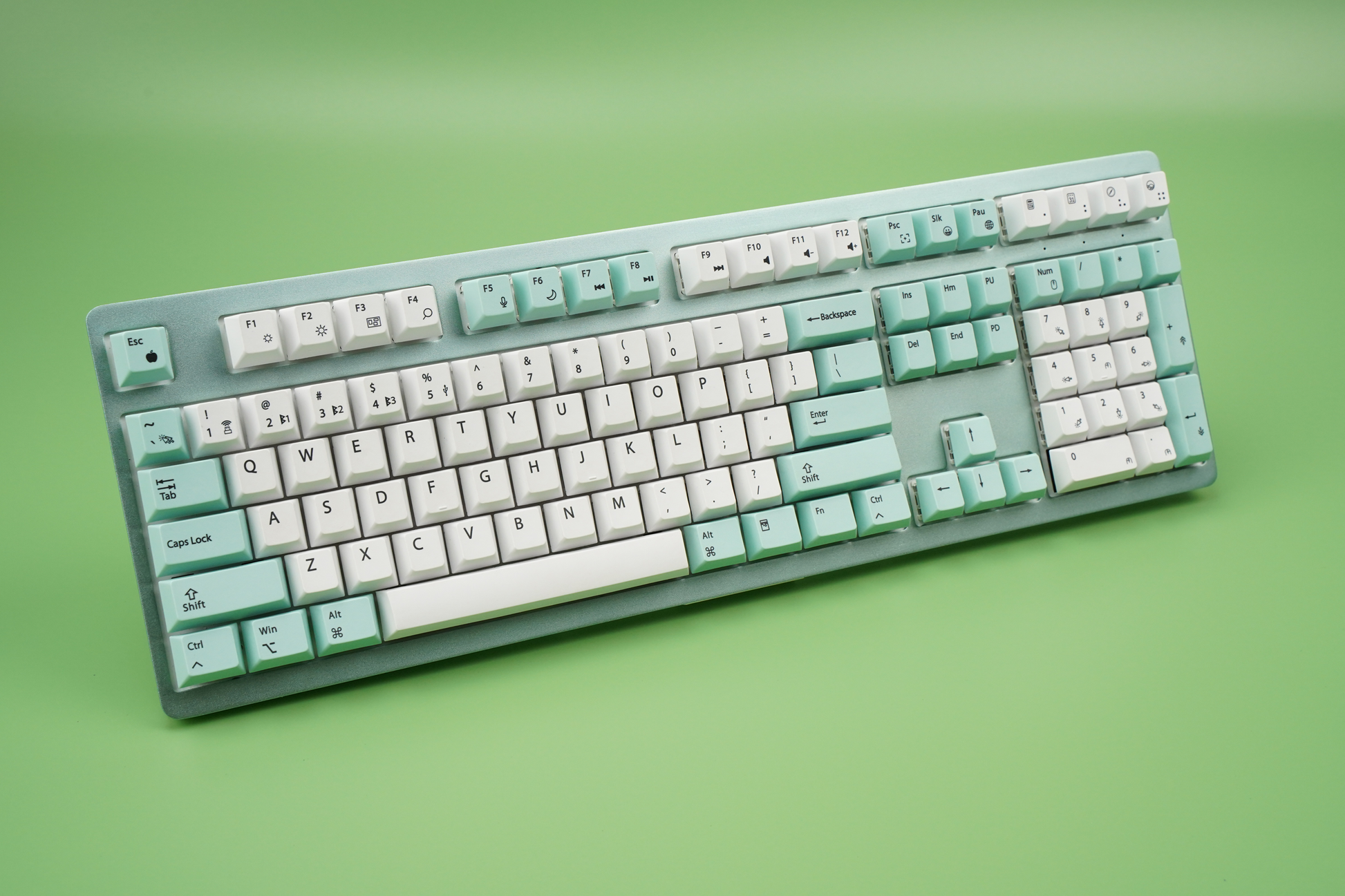

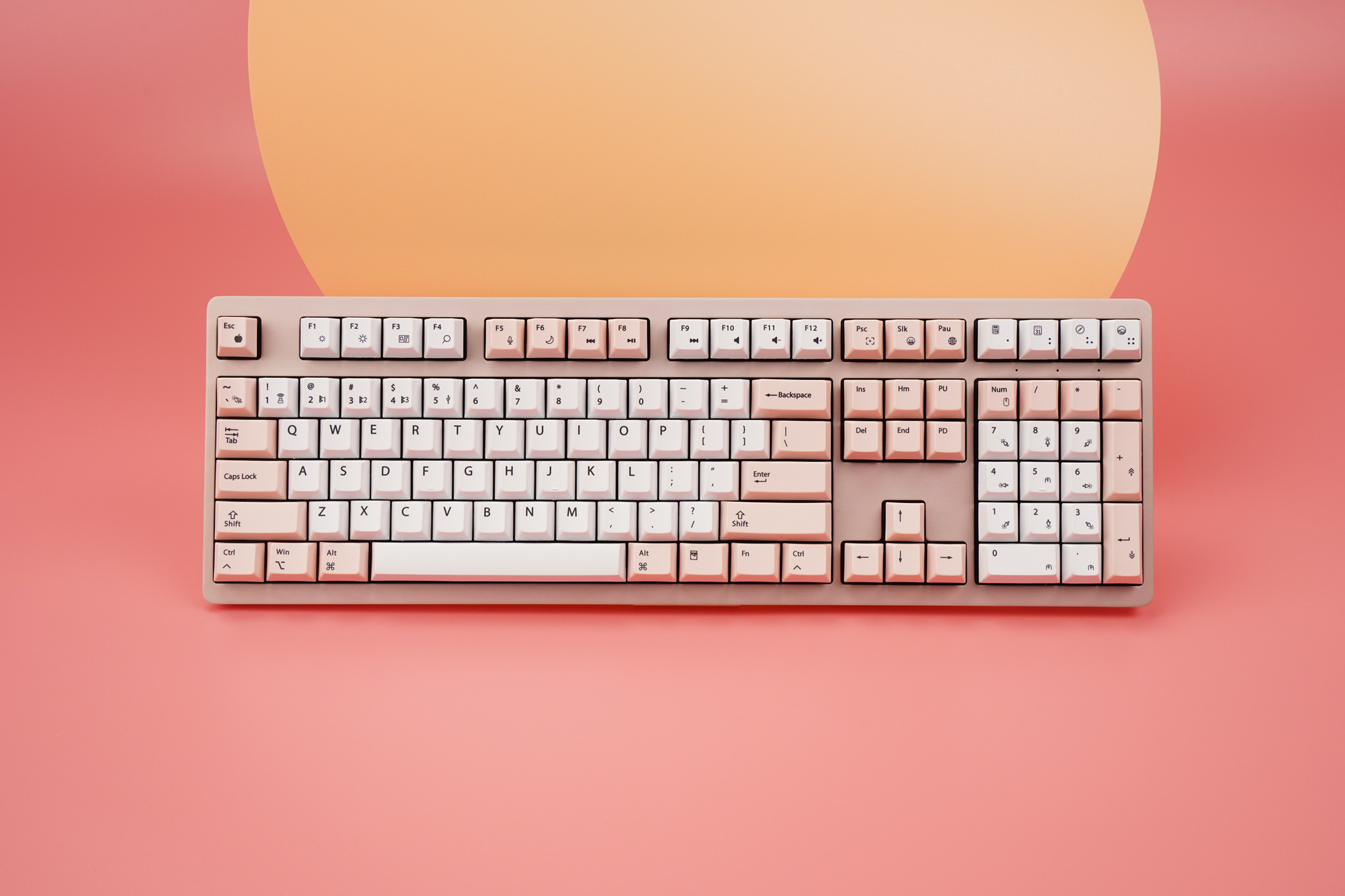
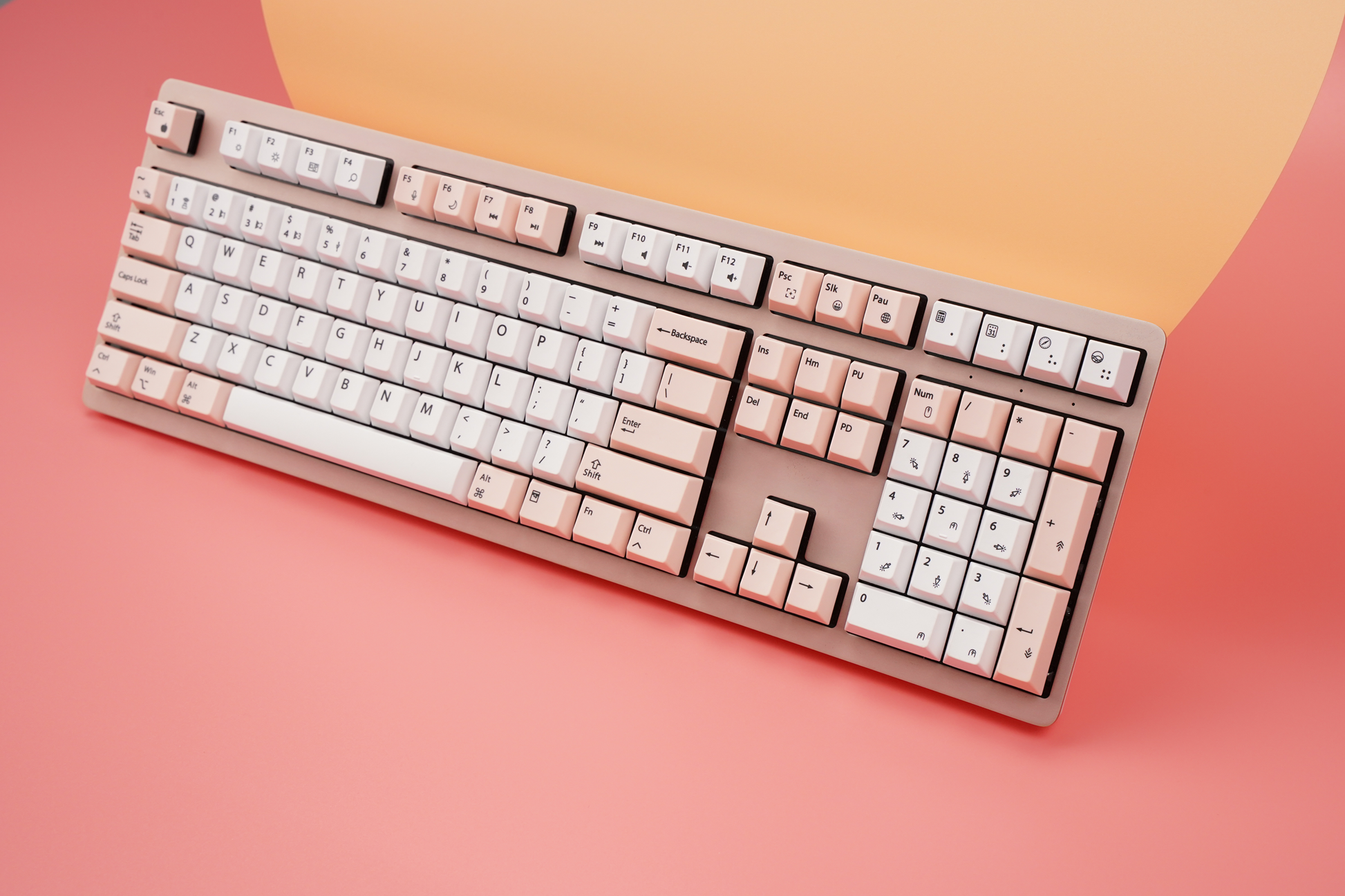
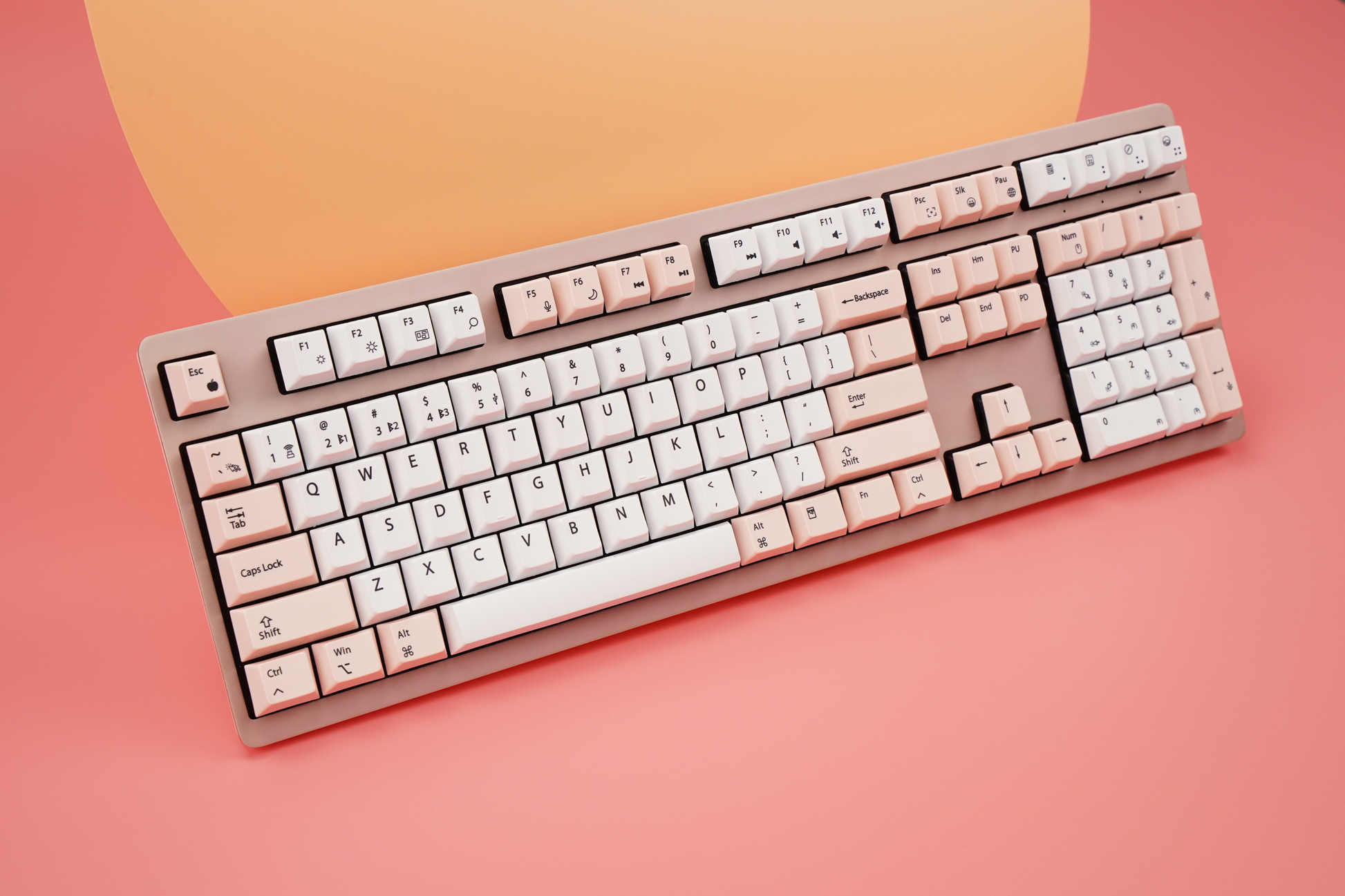

Wombat Keyboards
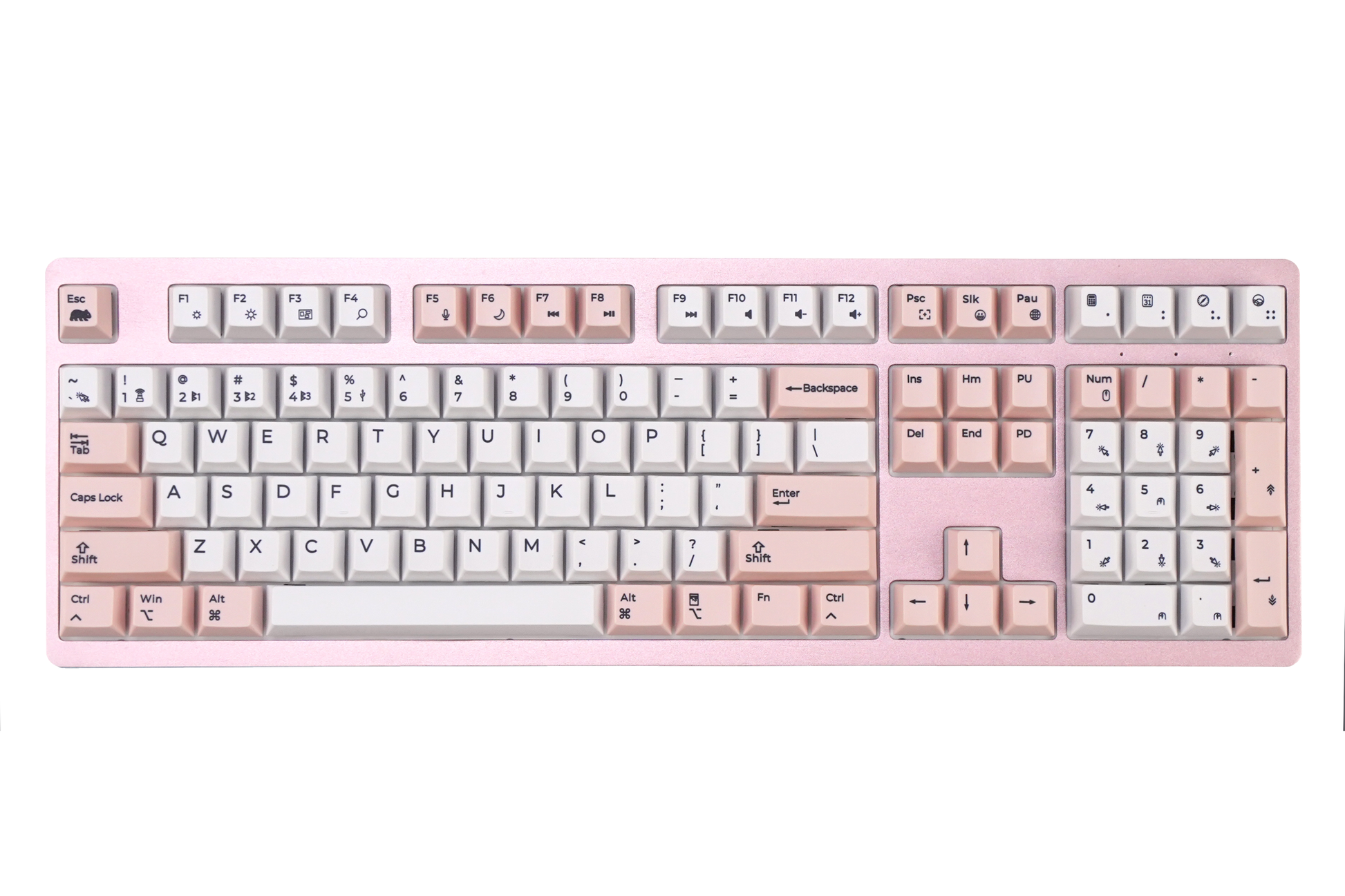
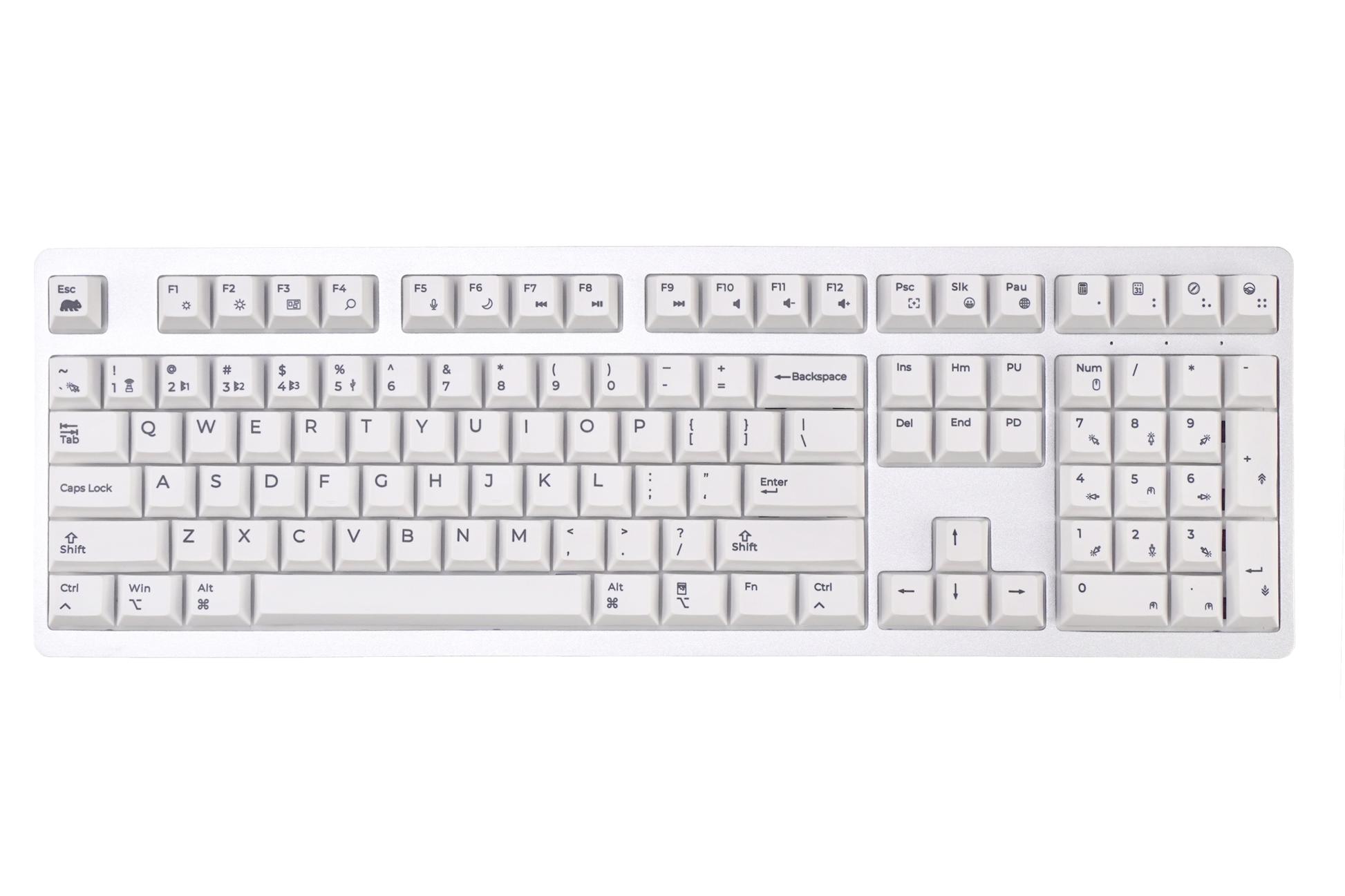
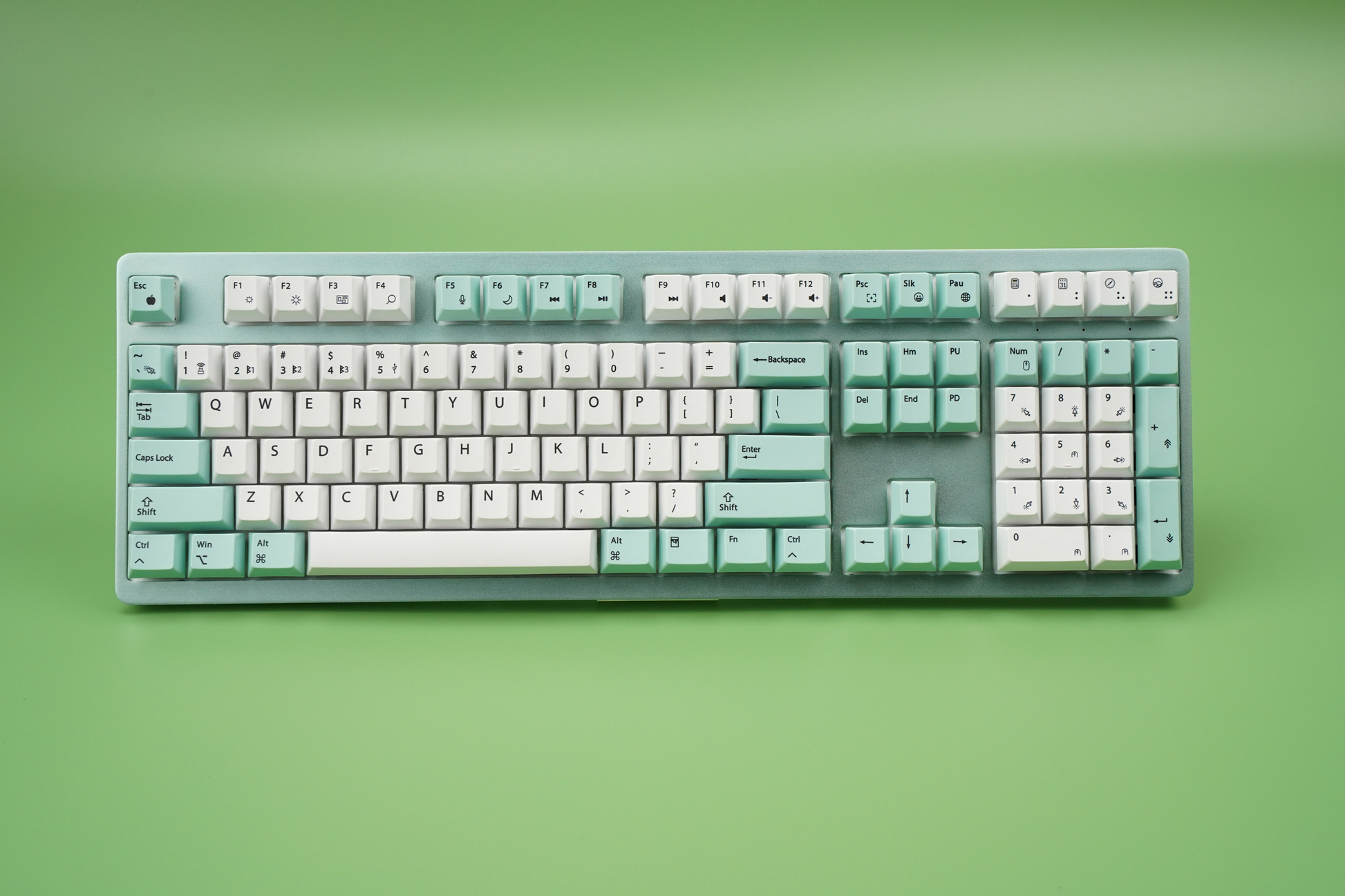
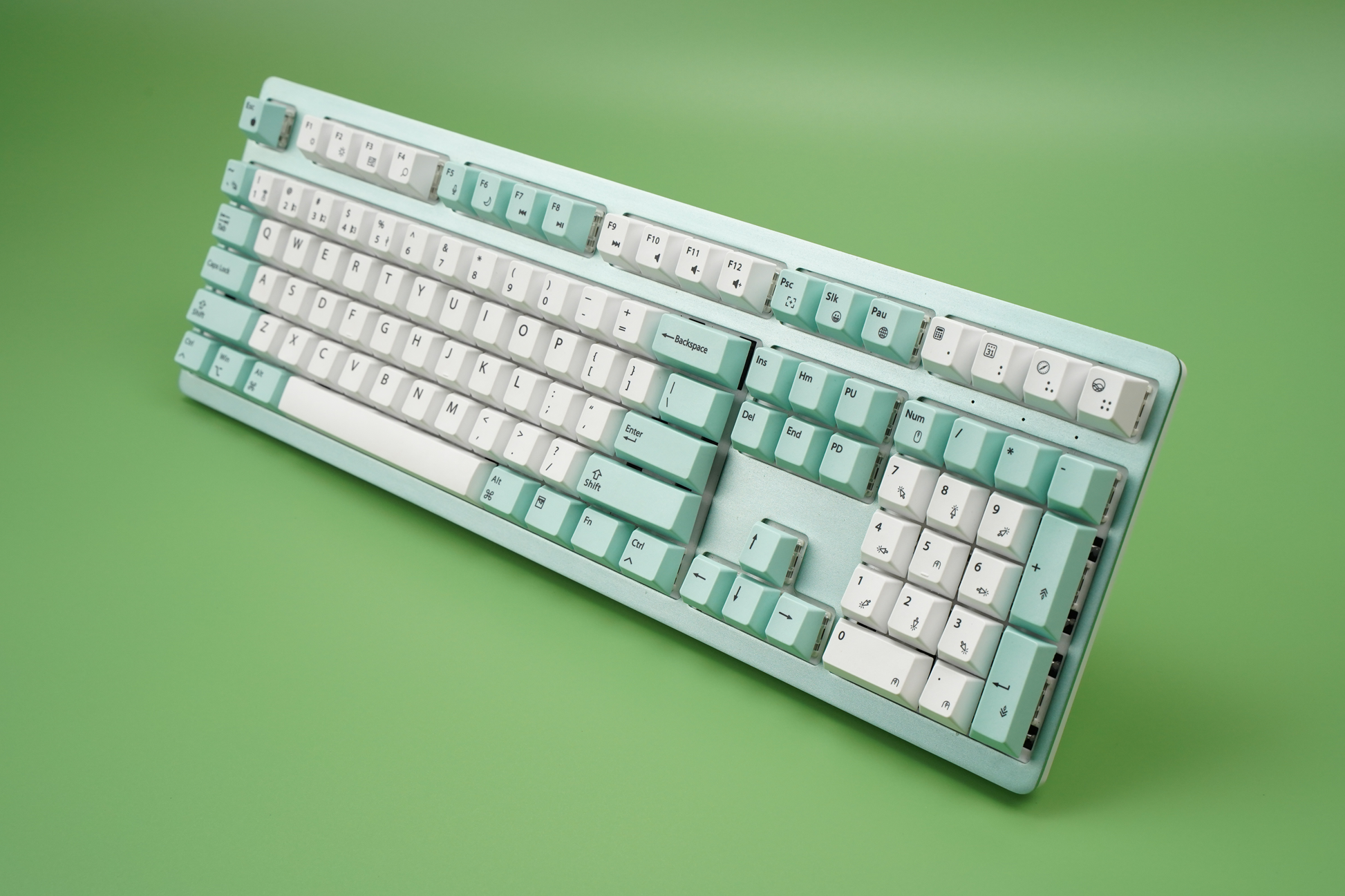
Wombat Pine Pro Mechanical Keyboard (Full-Size, Multi-Device)
Couldn't load pickup availability
Clicking the “Add to cart” or “Buy it now” button constitutes your acceptance of our Return and Warranty policy. Please note there may be duties and/or taxes levied on orders shipped to destinations outside the U.S. that are your responsibility to pay.
RETURN AND WARRANTY POLICY
Description
Description
Overview
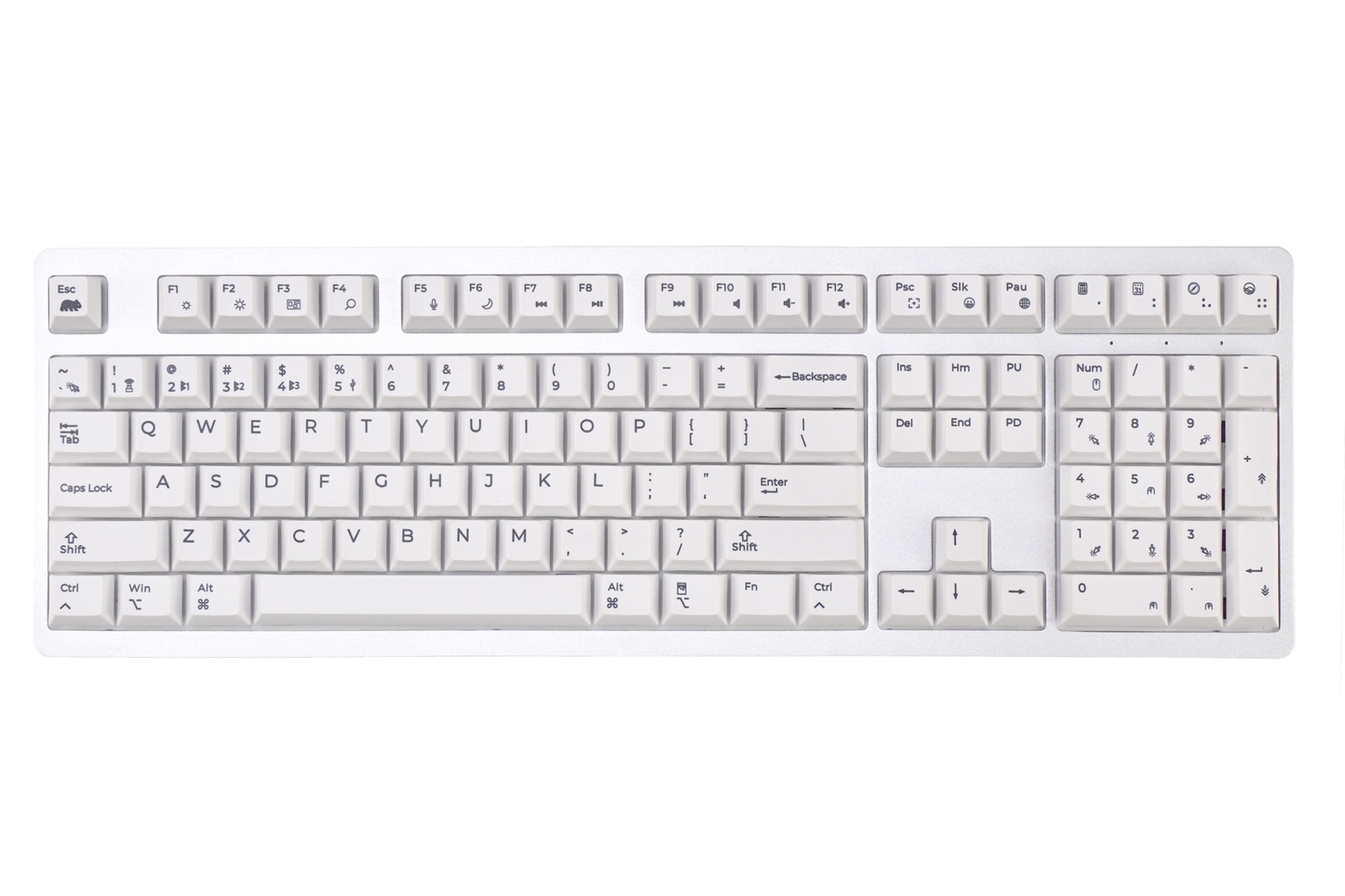
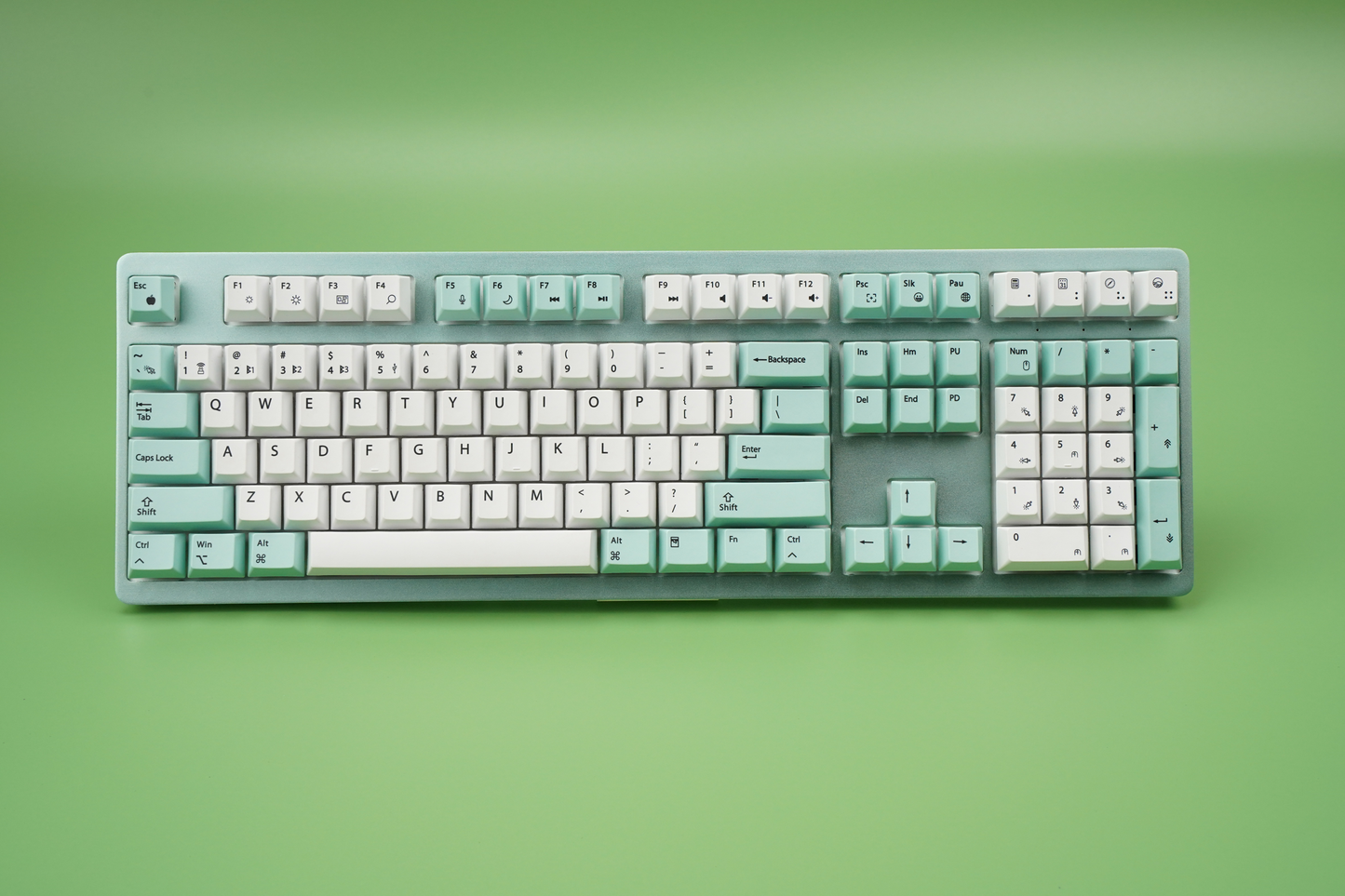
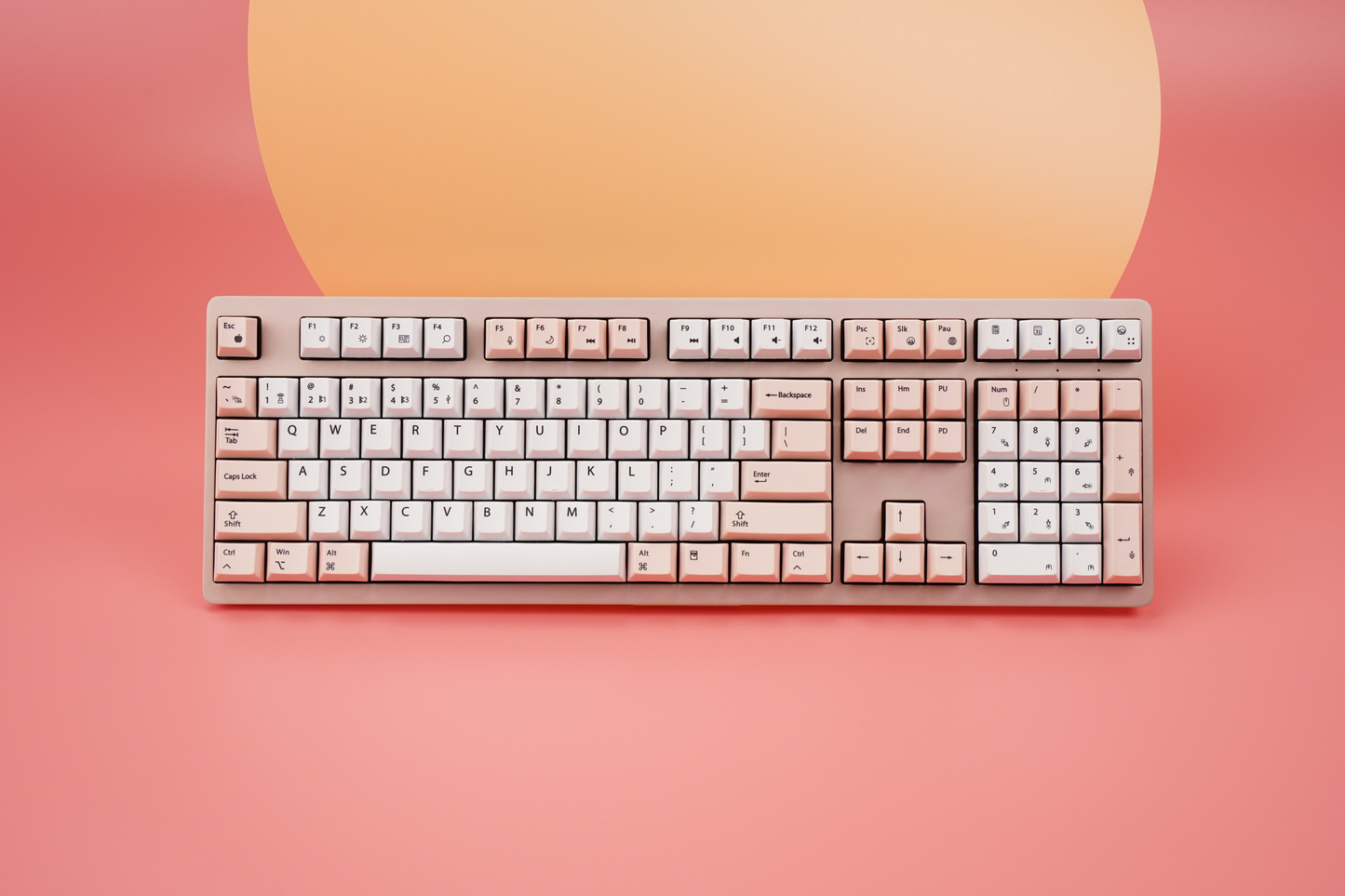
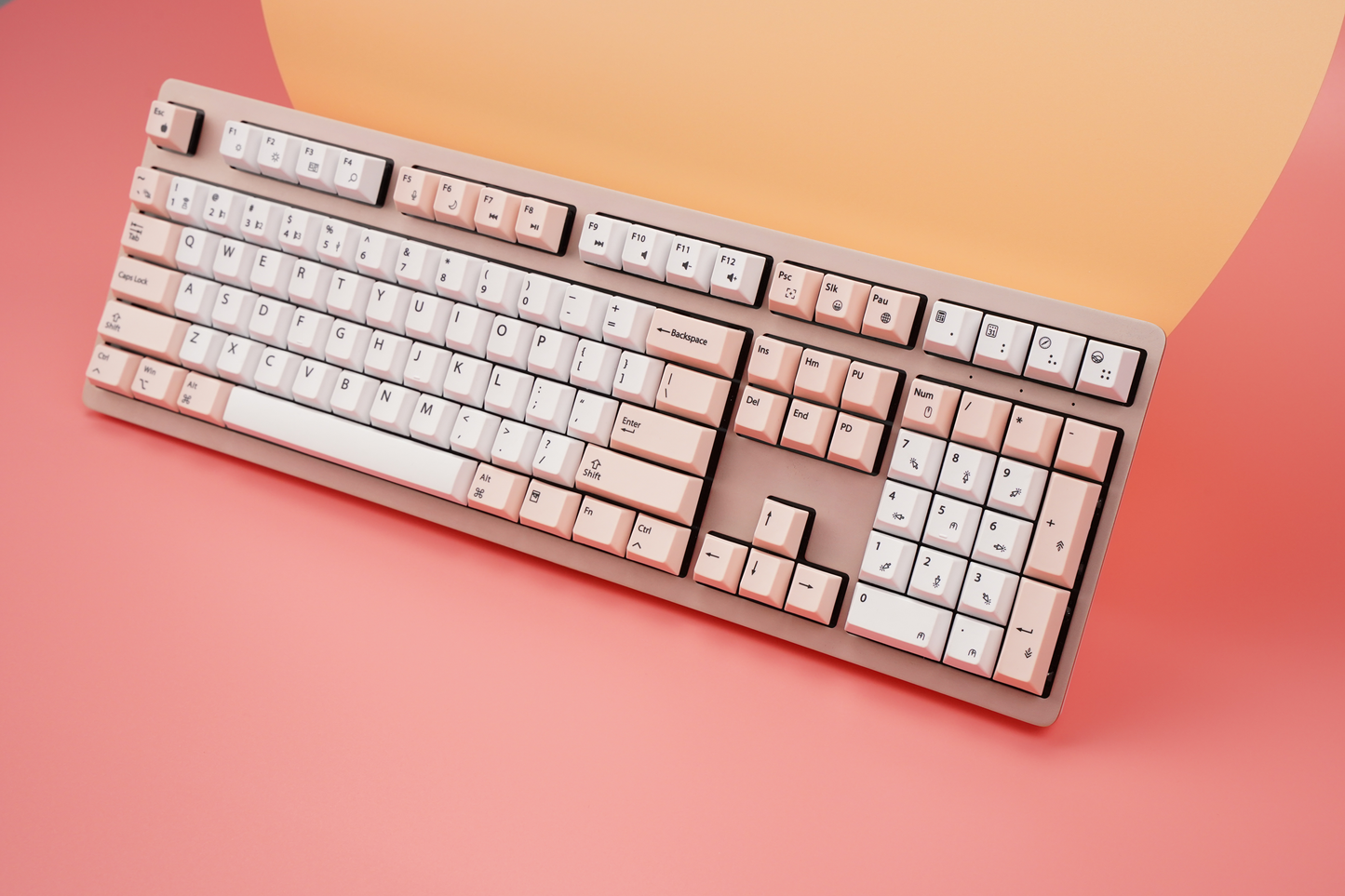
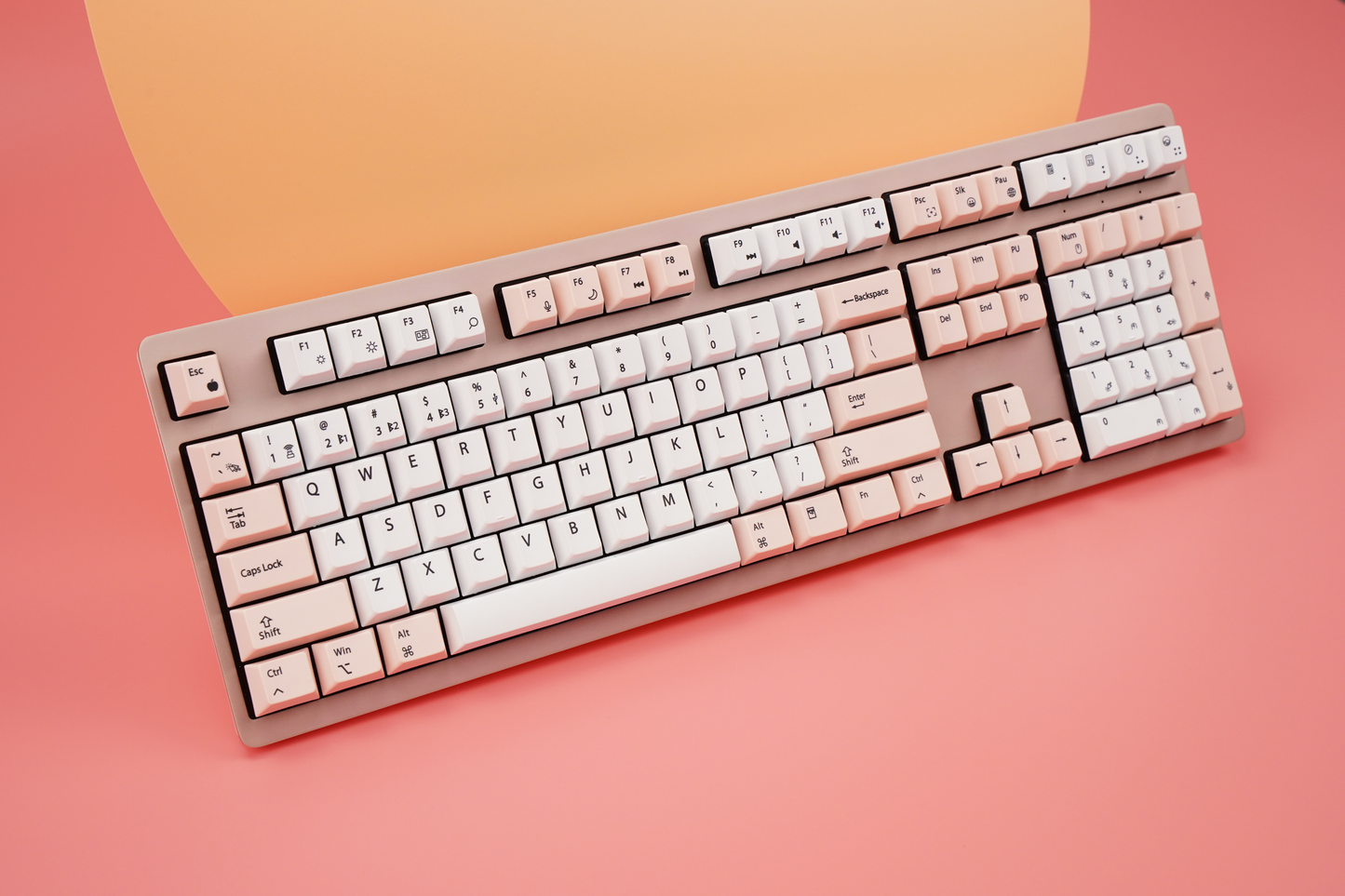
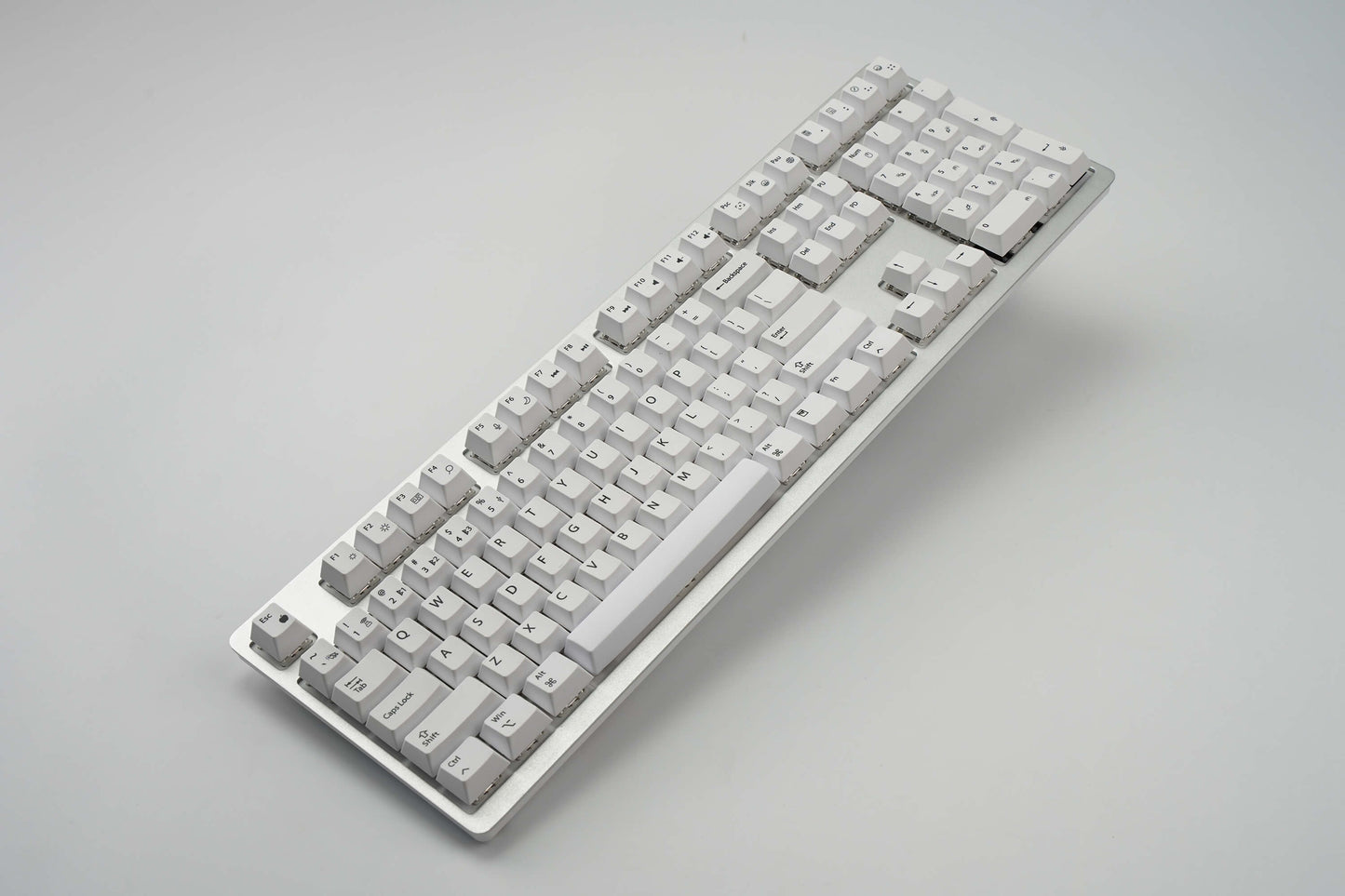
The Wombat Pine Pro is a multi-device mechanical keyboard designed for Mac-first users who also require compatibility with Windows and mobile platforms. The keyboard supports simultaneous connectivity across up to five devices and enables fast switching between each.
Key Features
Multi-Device Connectivity
- Connect up to 5 devices simultaneously
- Supports Bluetooth, 2.4 GHz wireless (via USB dongle), and USB-C wired modes
- Designed for seamless switching between desktops, laptops, tablets, and phones
Mac-Optimized Layout
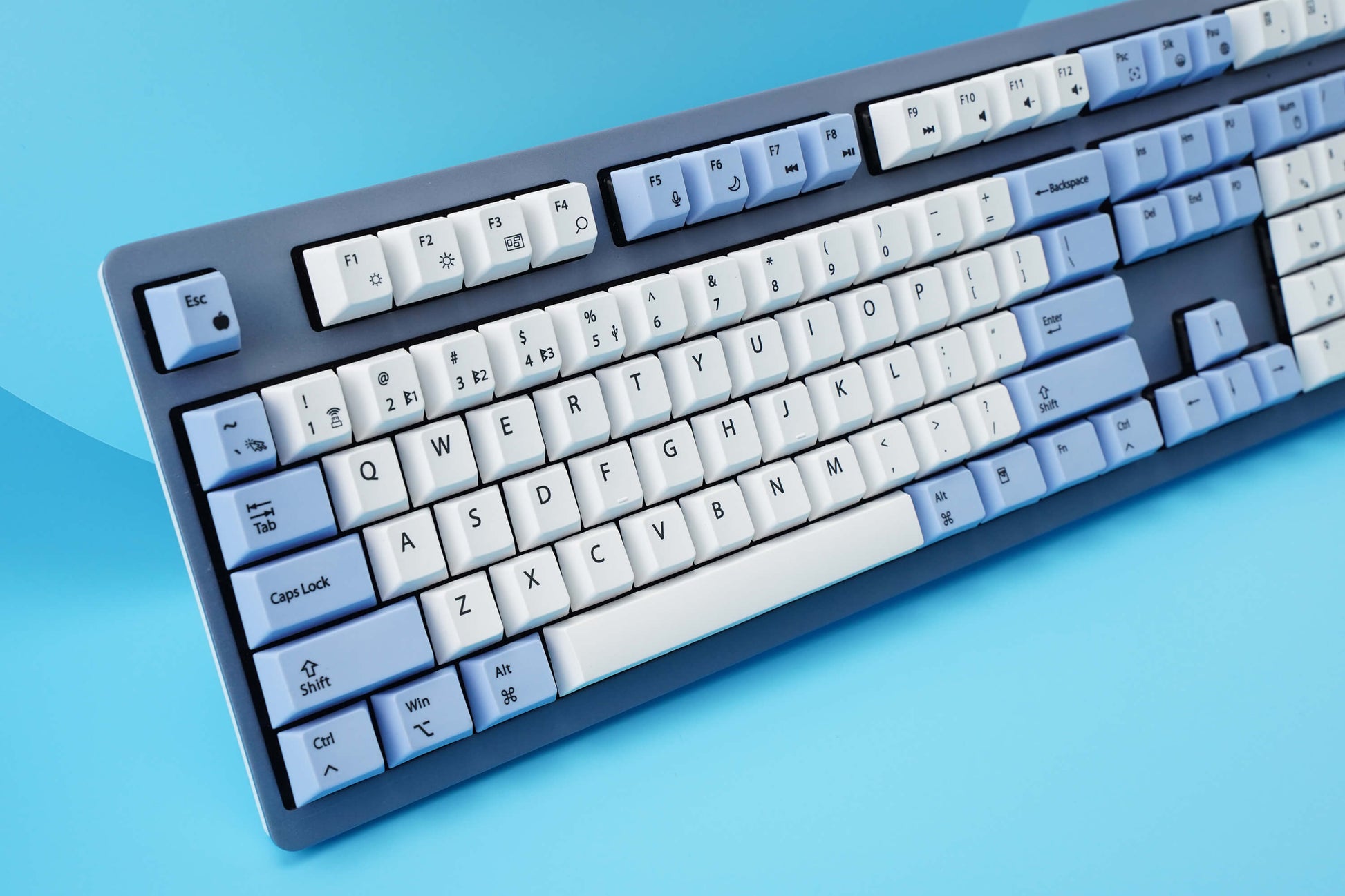
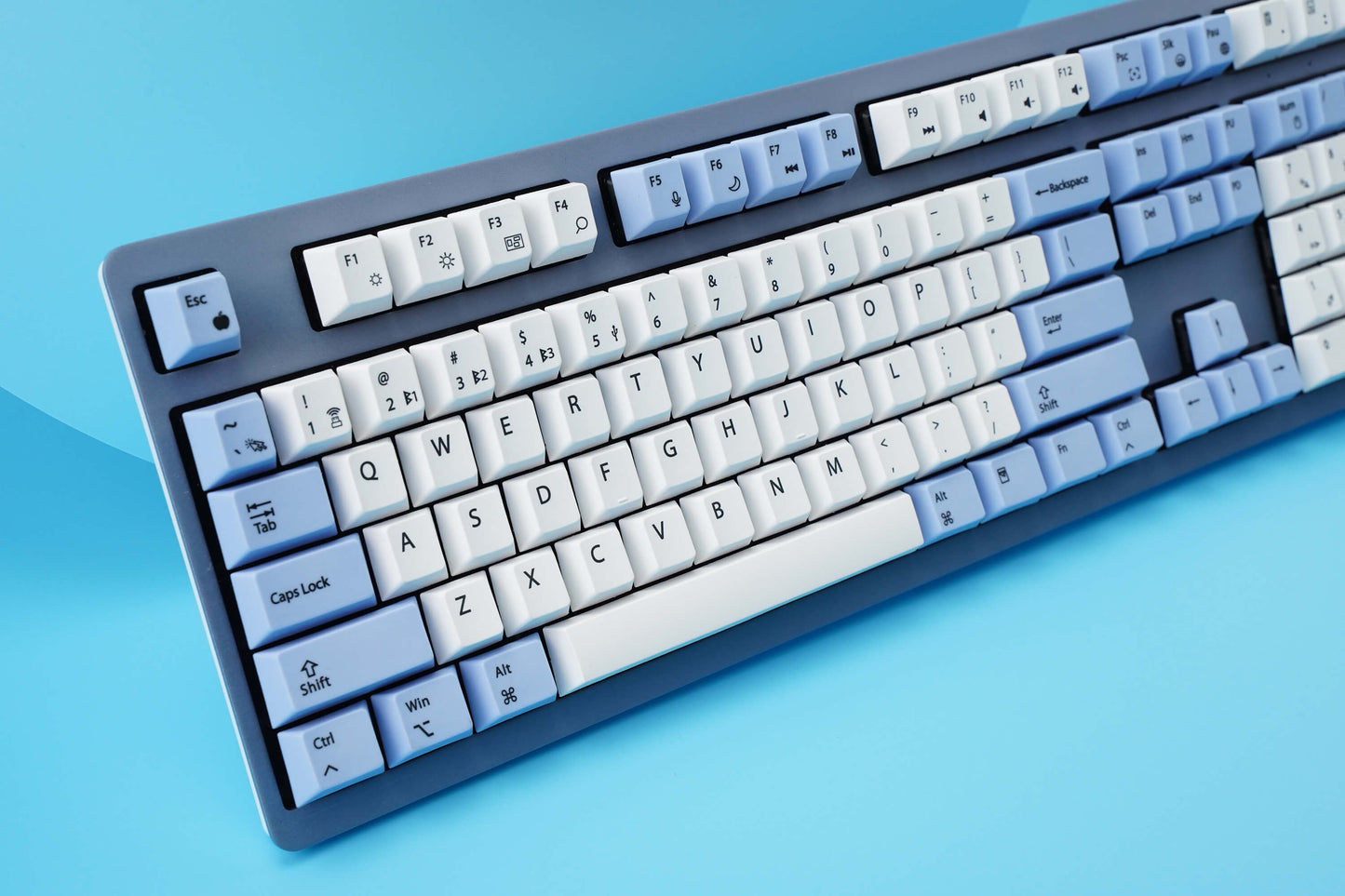
- Full Mac key layout with native shortcut support
- Compatible with macOS, Windows, iOS, and Android
Mechanical Typing Performance
- Cherry MX Switches: Tactile Brown, Linear Red, Linear Silent Red
- Fixed switch design (non-hot-swappable)
- Linear keystroke with low actuation force
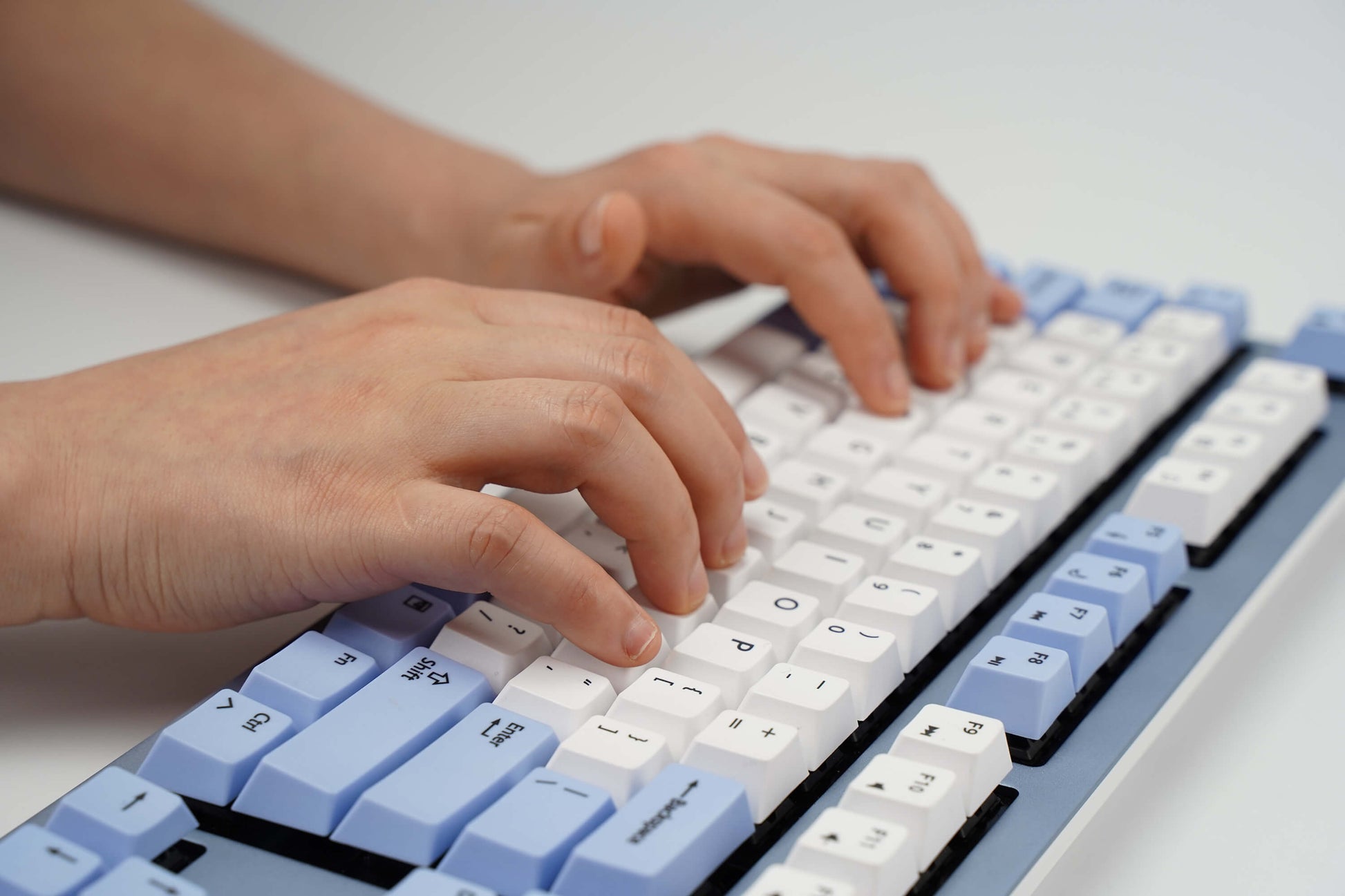
- Suitable for high-speed typing and extended use
Integrated Navigation Control
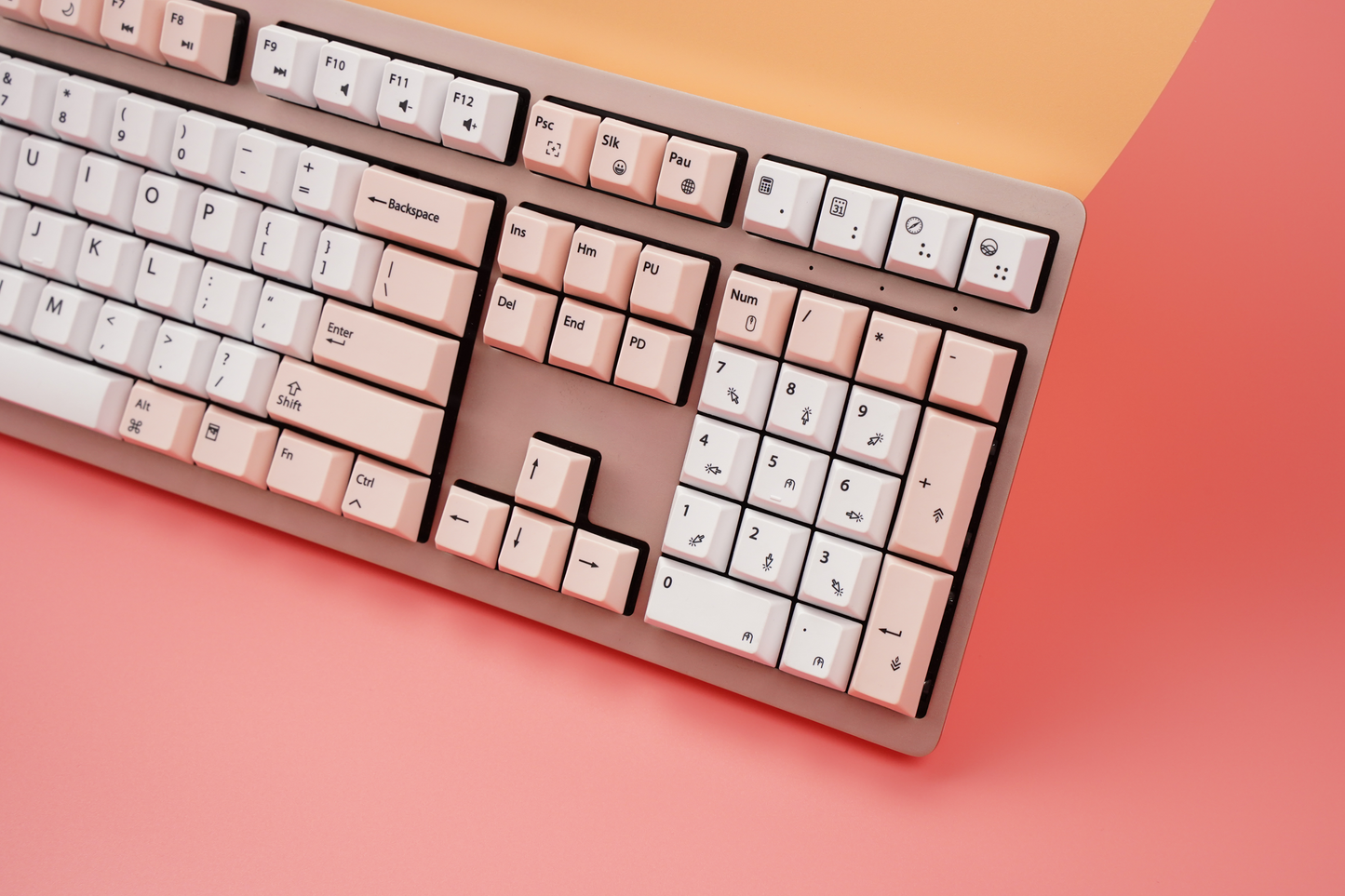
- Numeric keypad supports dual functionality
- Can be used for cursor control and navigation input
- Reduces dependency on external mouse in certain workflows
Build and Design
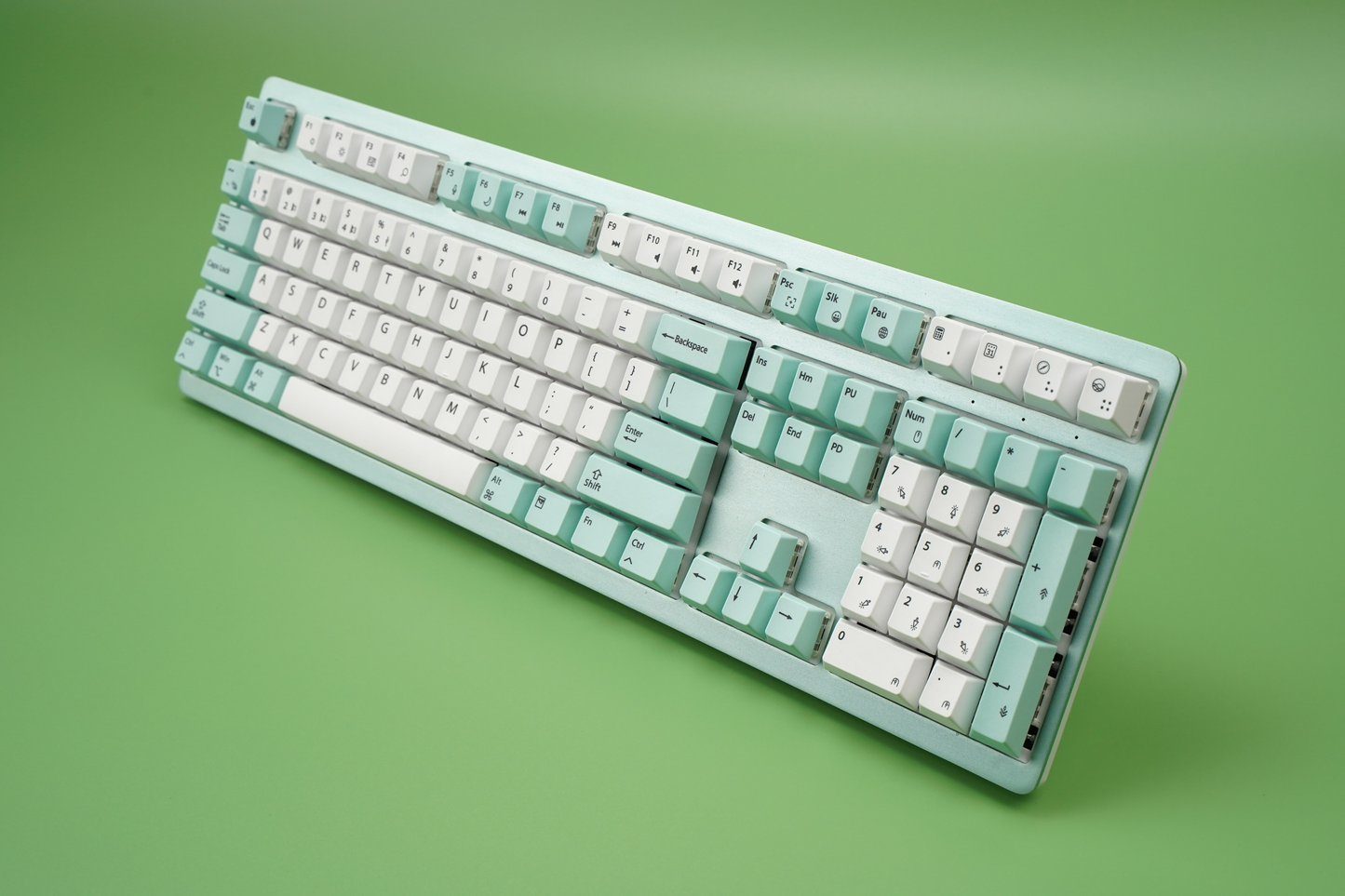
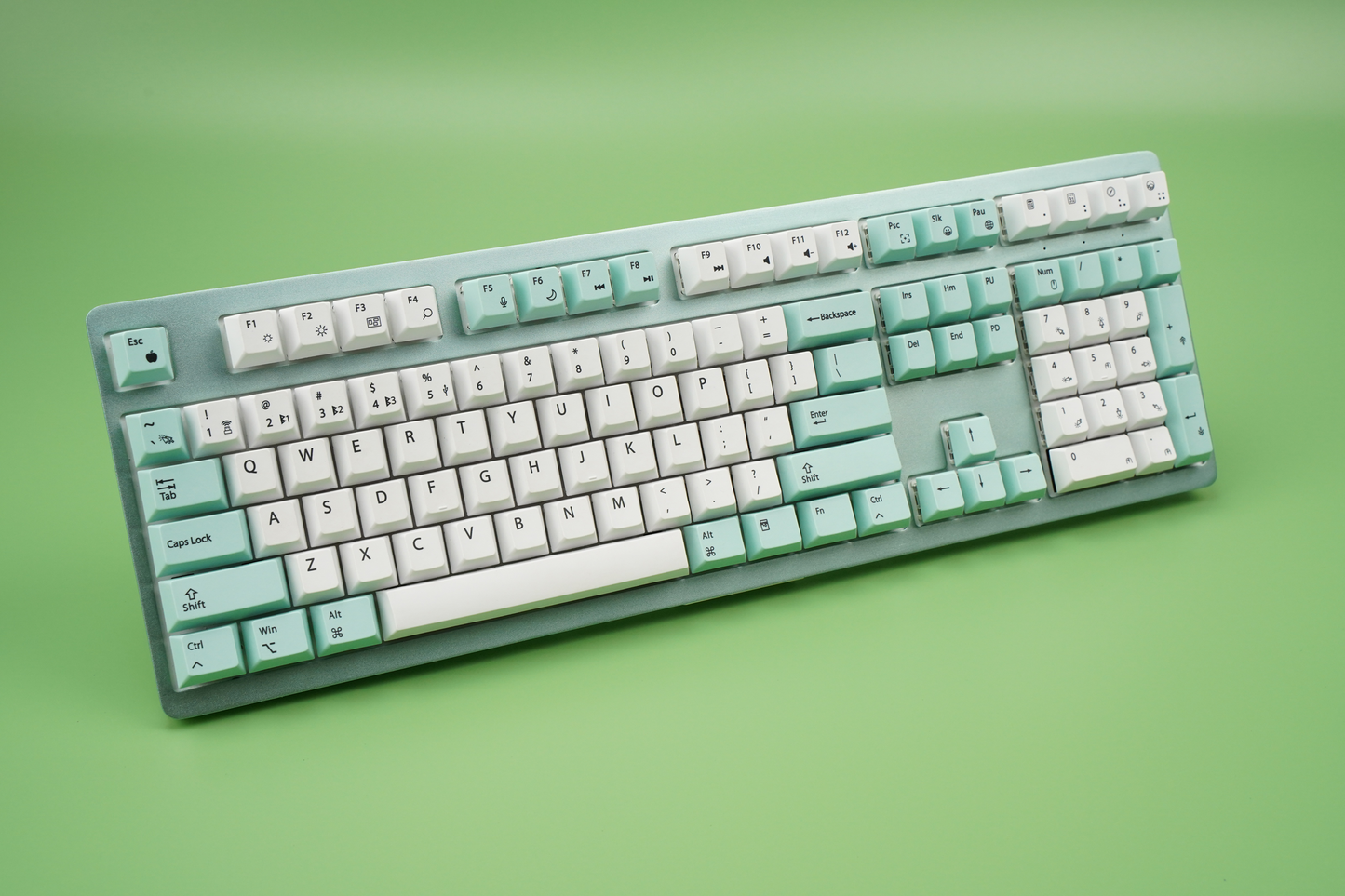
- Aluminum top plate for structural durability
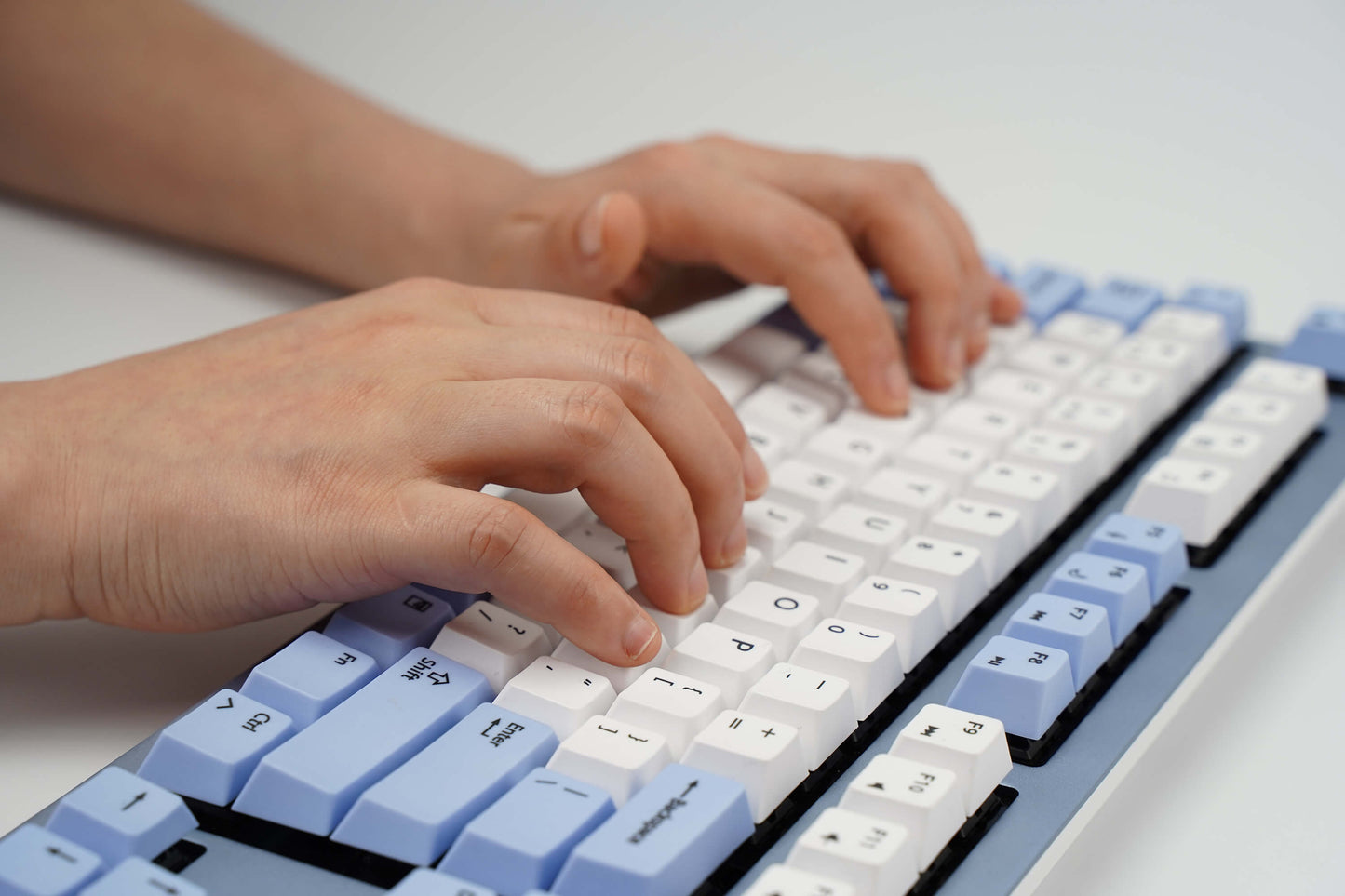
- PBT keycaps for long-term wear resistance and reduced shine
- Adjustable typing angle with integrated feet
- Designed for desktop stability and daily use
Power and Battery
- Rechargeable battery designed for full-day operation
- USB-C charging with detachable cable
- Supports both wireless and wired use modes
Customization and Productivity
- Programmable macro support for workflow automation
- Enables custom shortcuts and repeated actions
- Suitable for productivity, development, and content creation
Use Cases
- Multi-device professionals (Mac + Windows environments)
- Remote and hybrid work setups
- Developers, writers, and power users
- Users seeking Mac layout with expanded functionality
Available Options
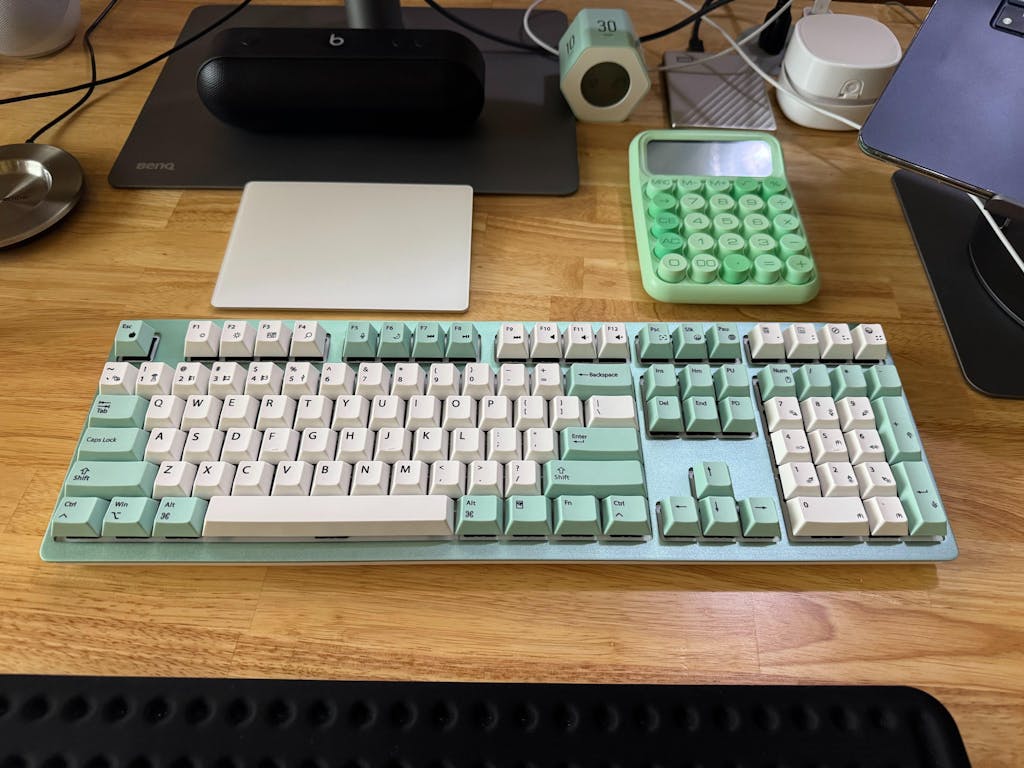
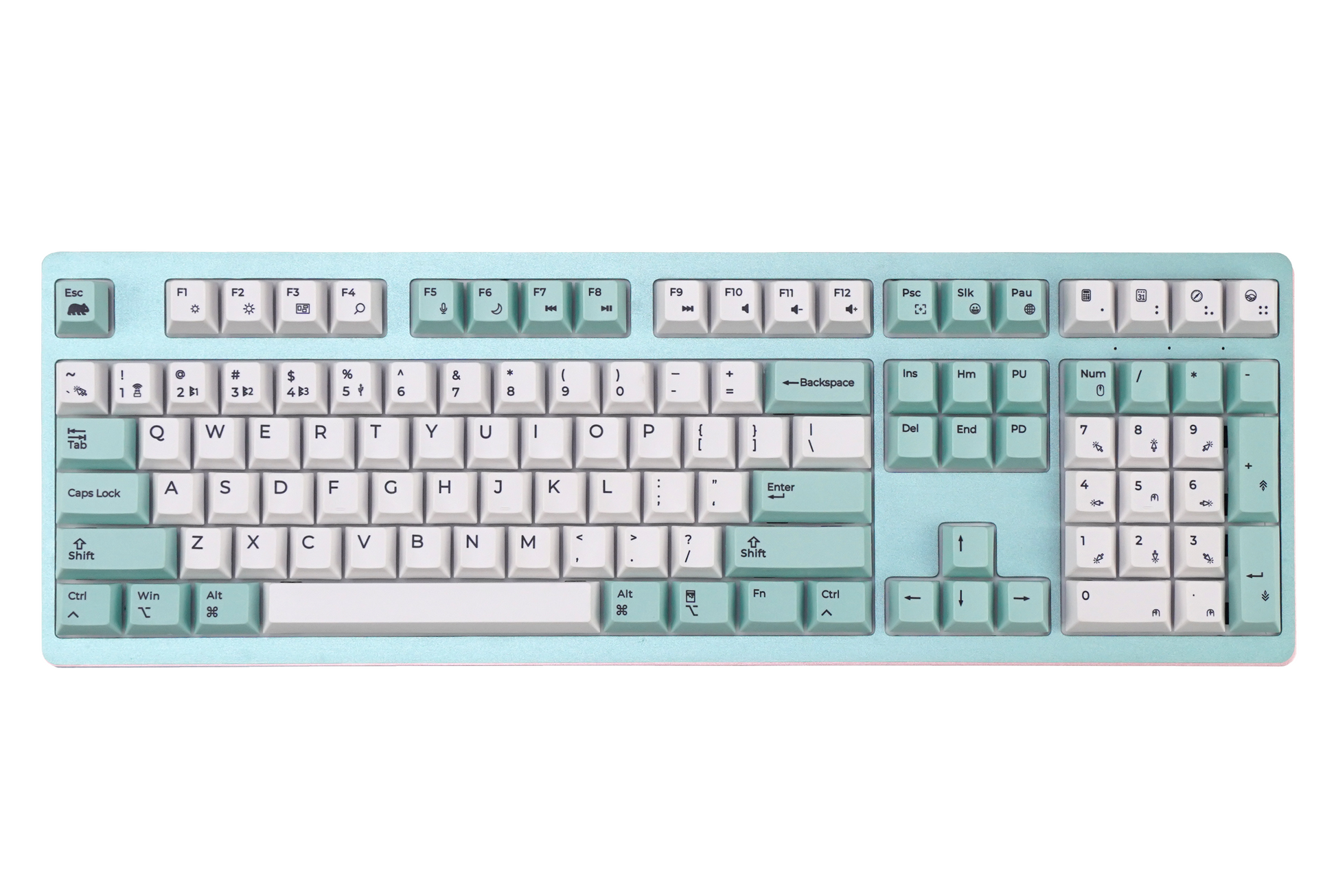
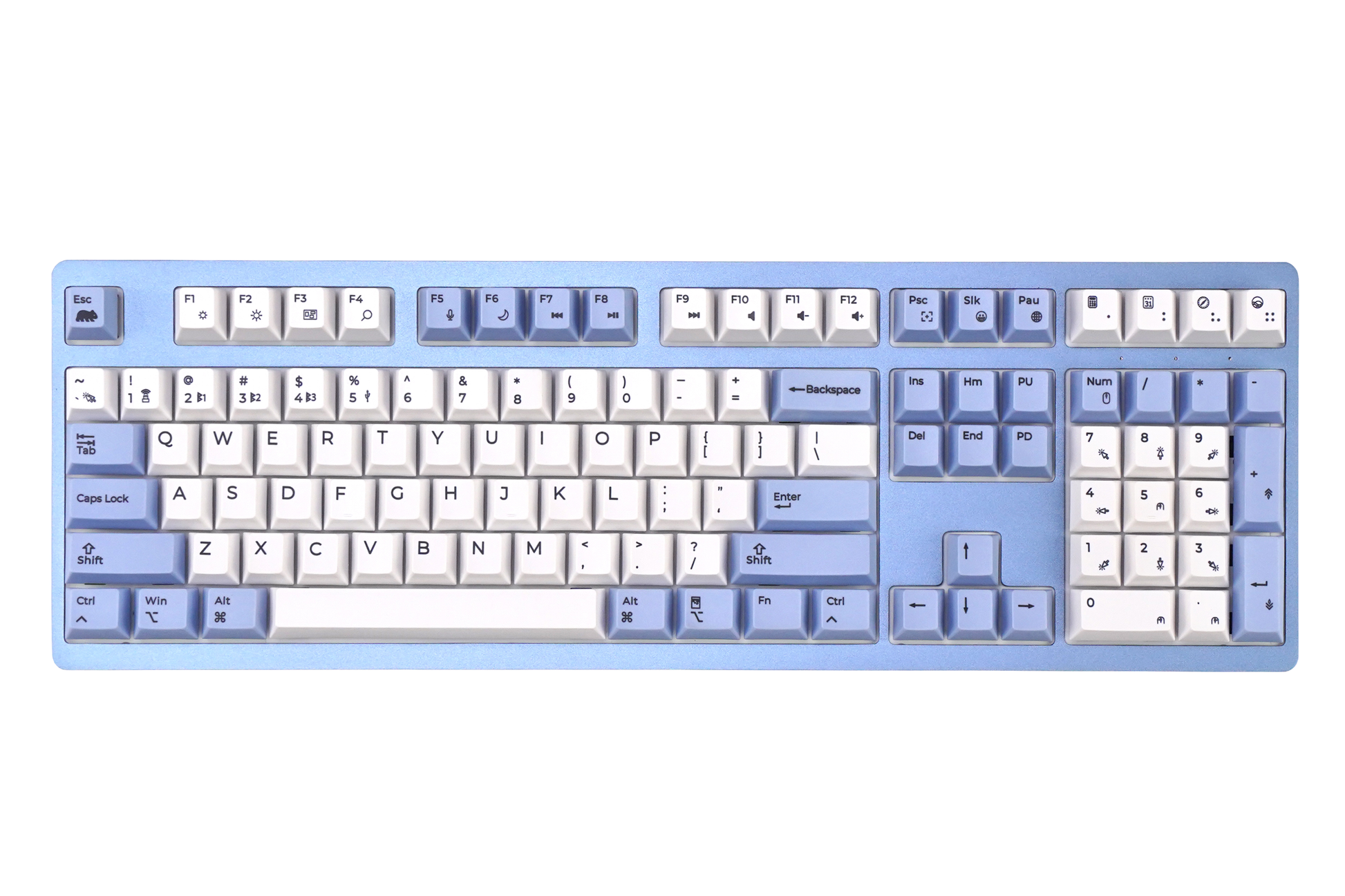
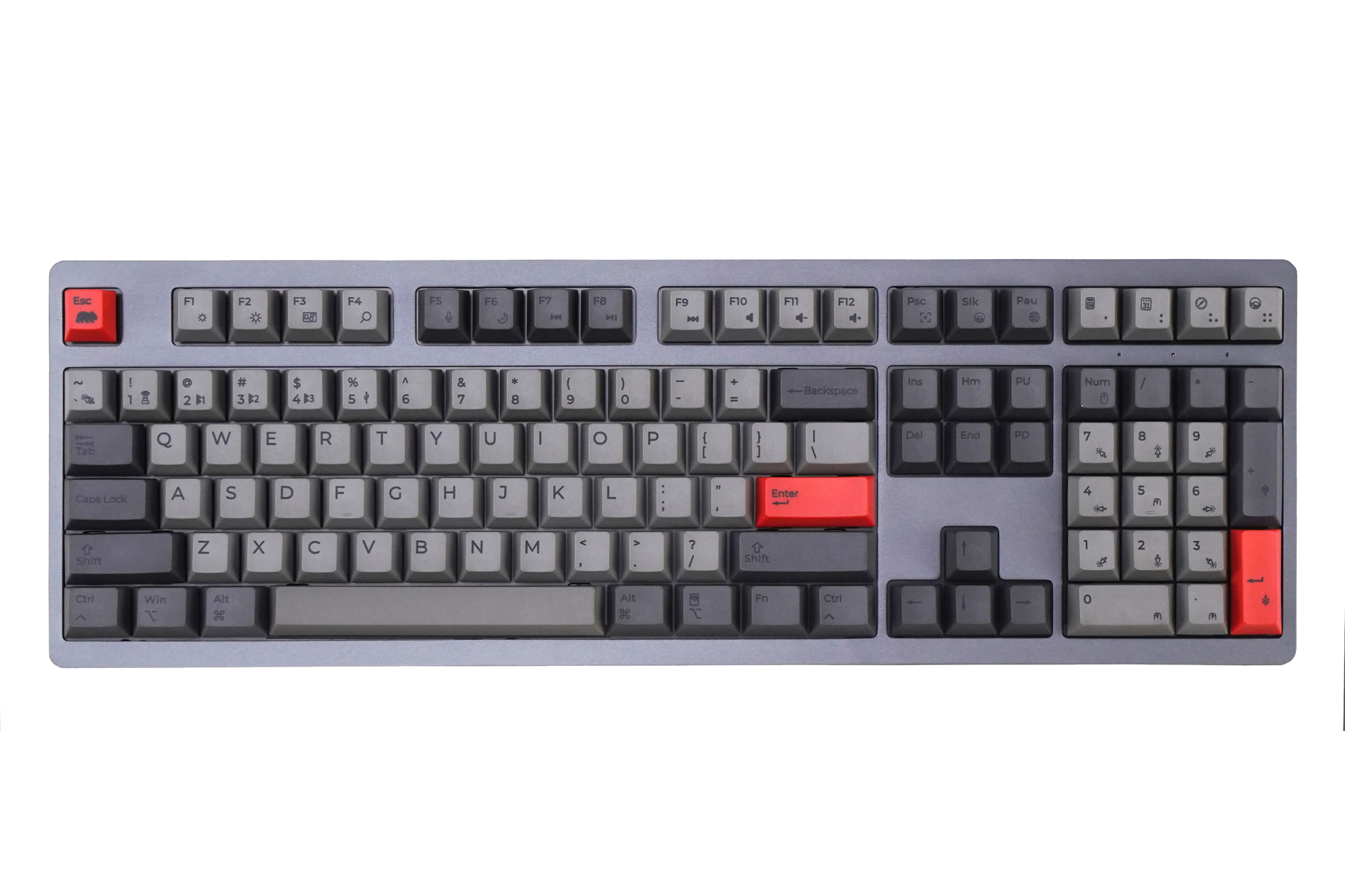
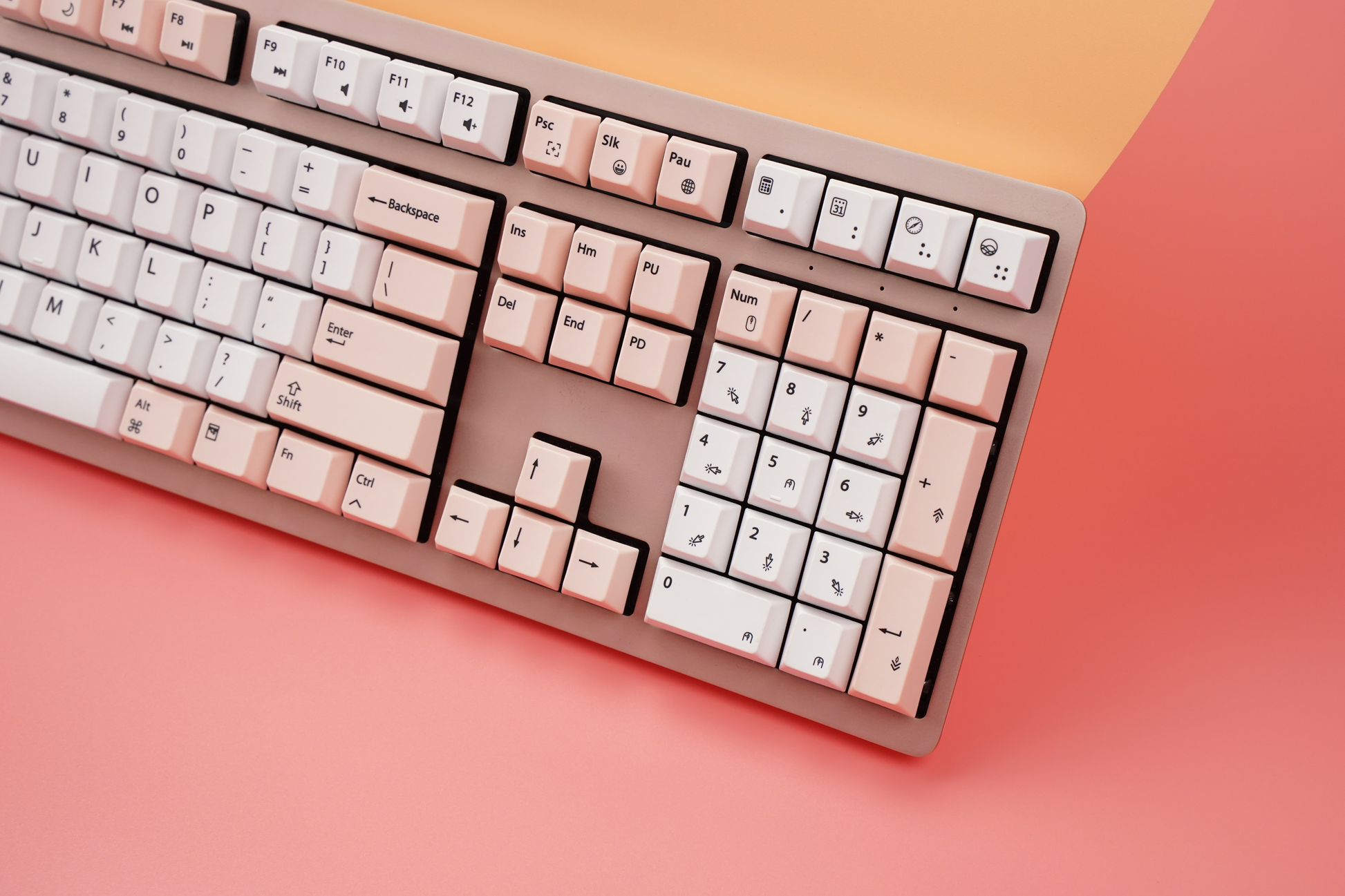
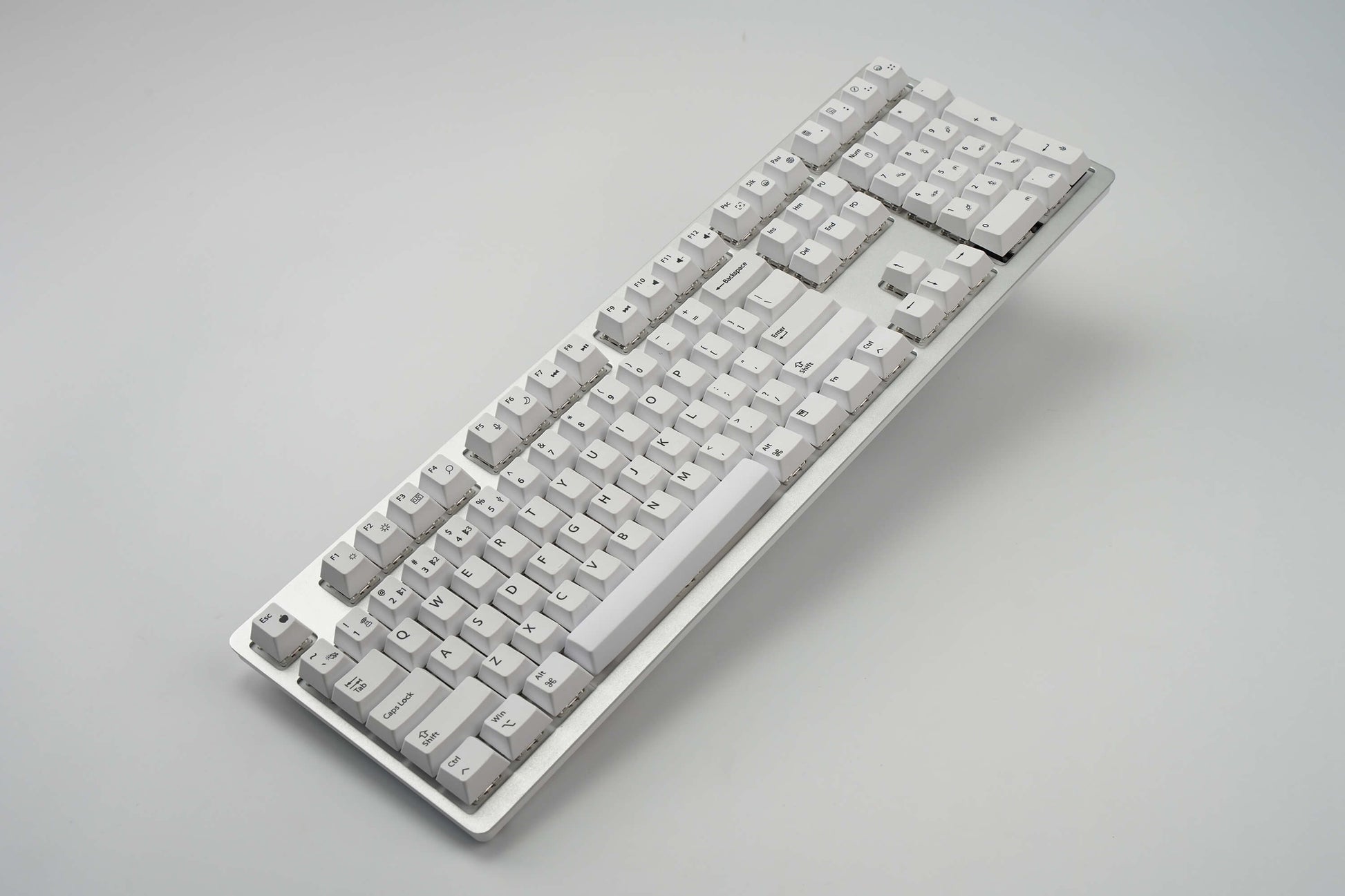
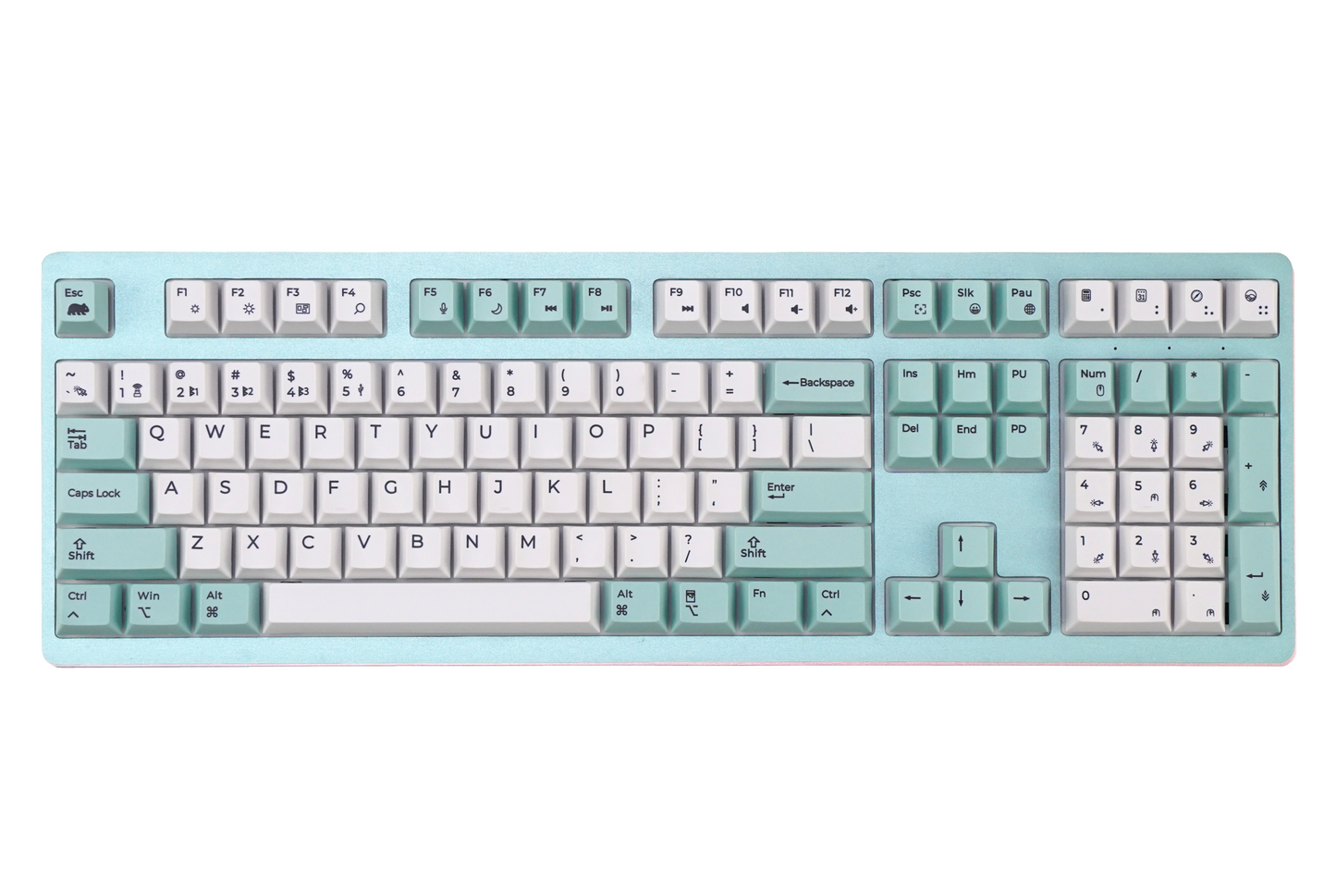
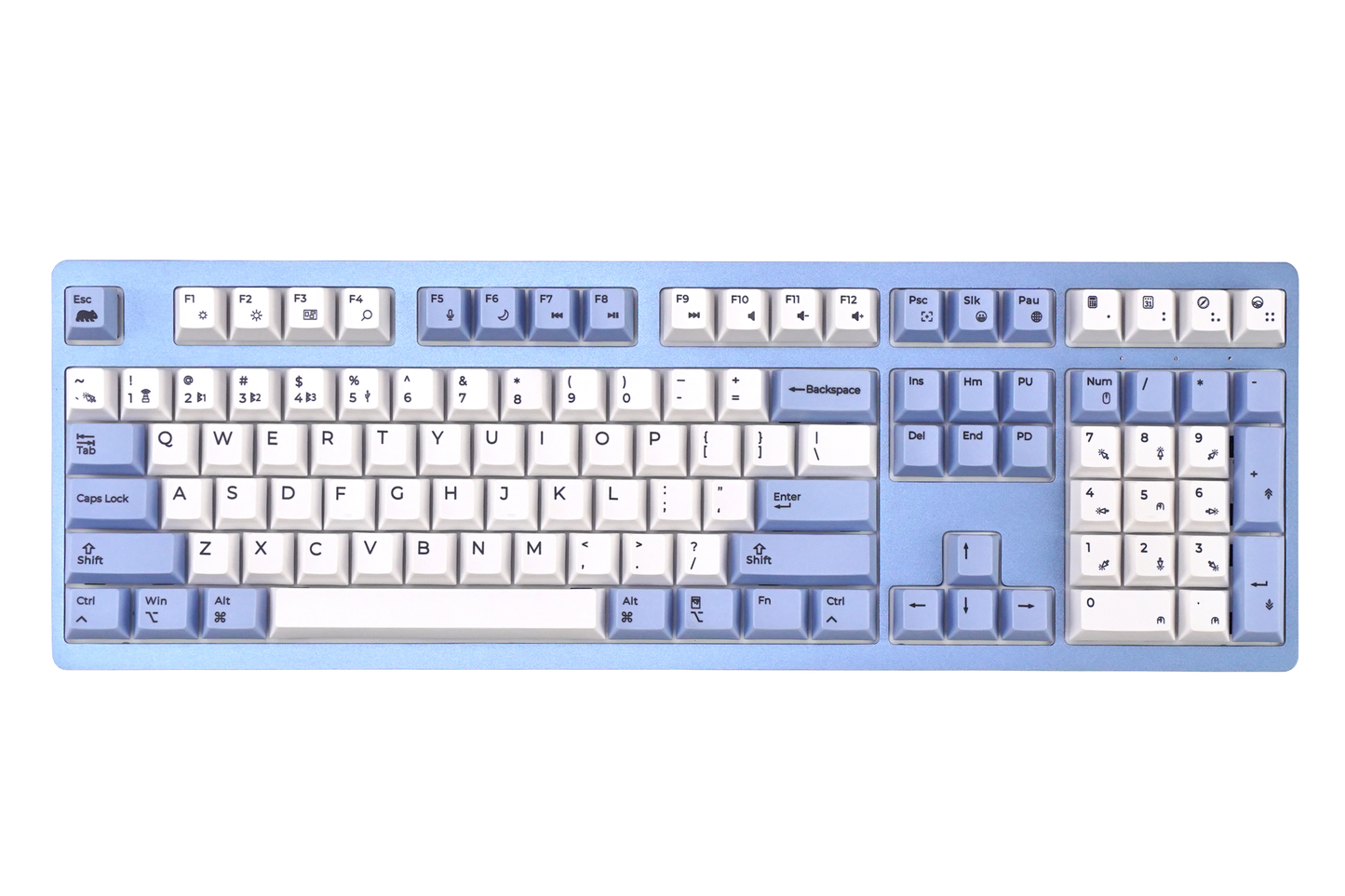
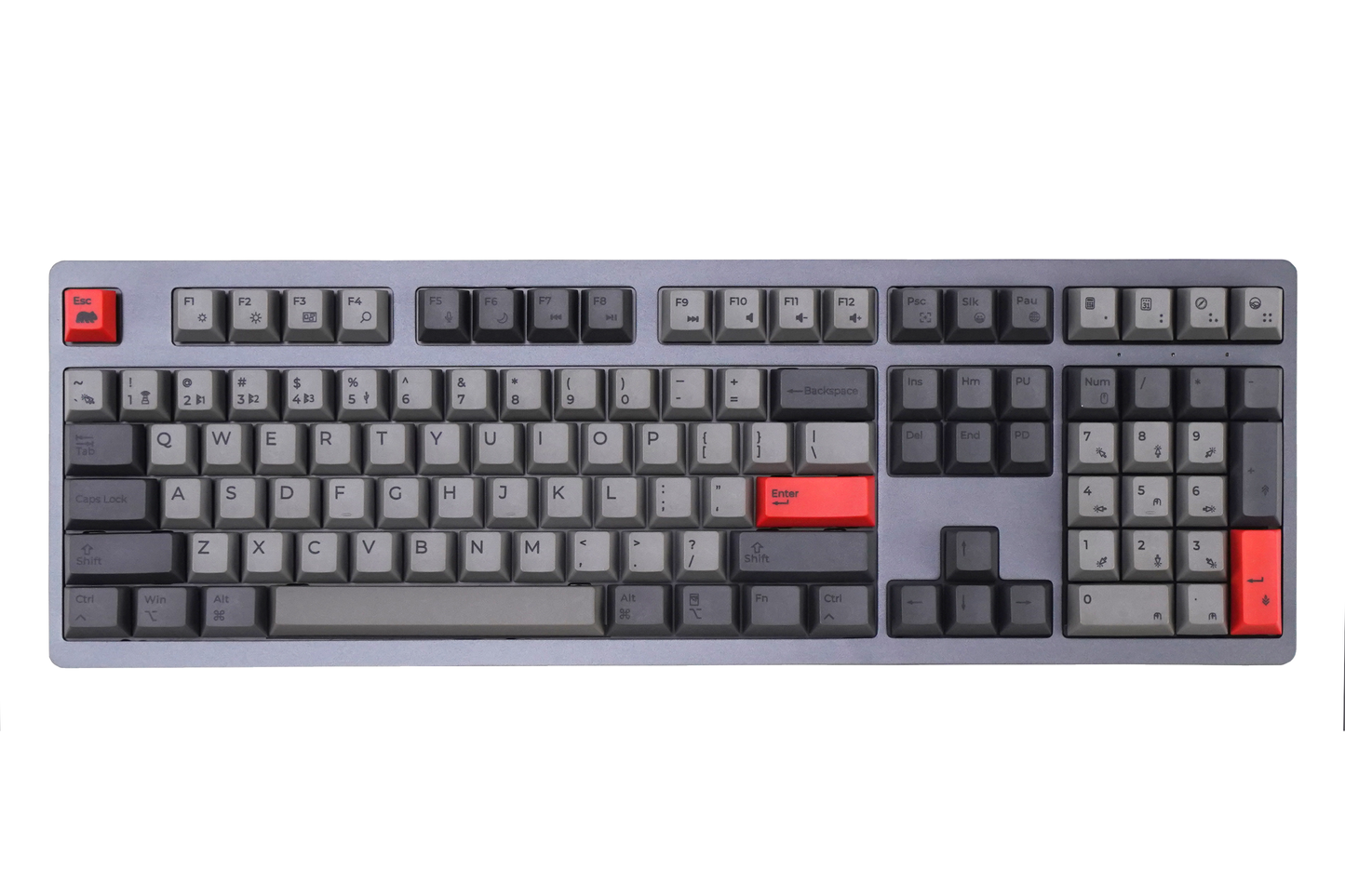
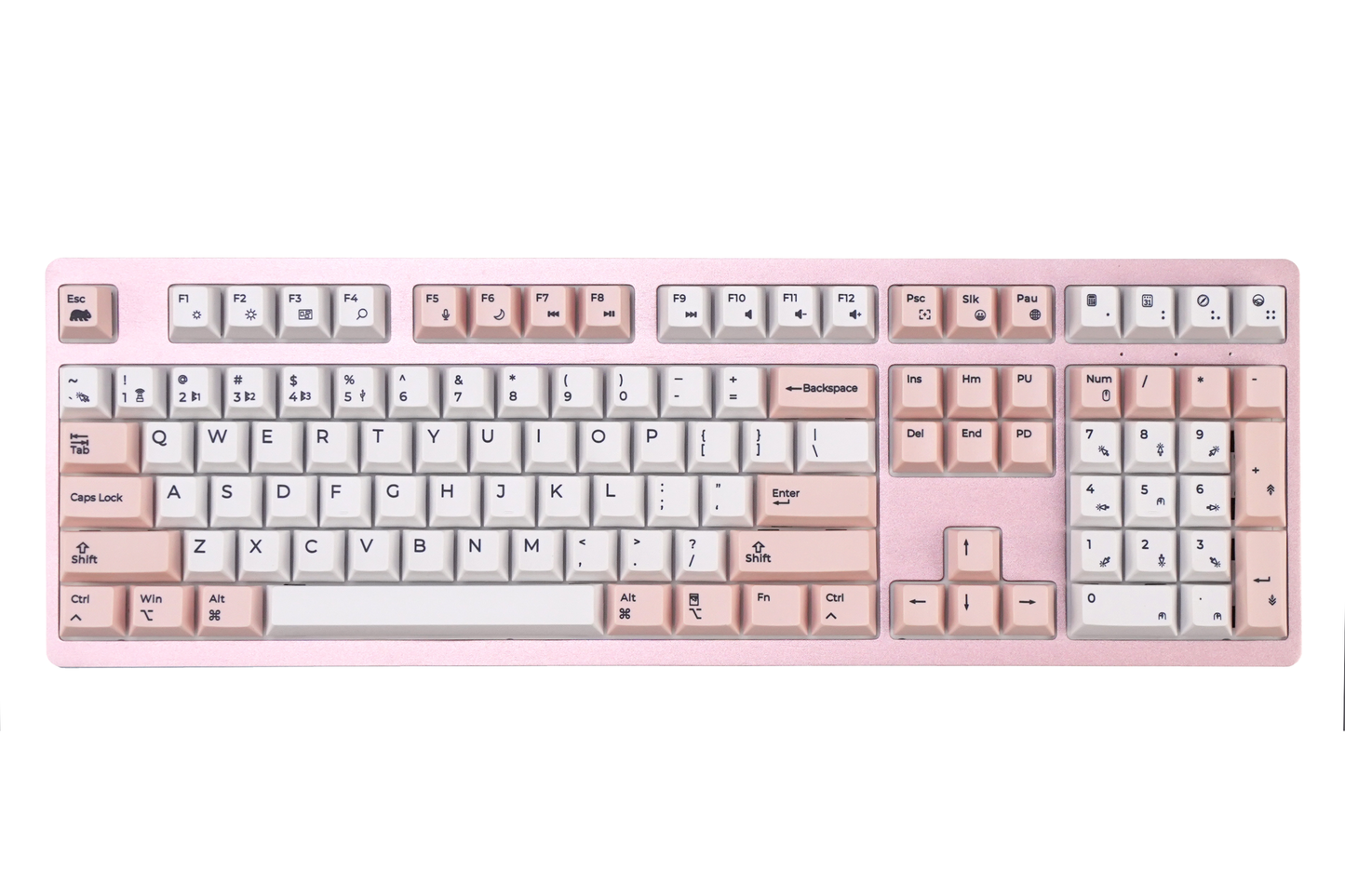
Color variants: Space Gray, Light Green, Light Blue, Silver, Pink
Cherry MX Switches: Tactile Brown, Linear Red, Linear Silent Red
Hot-swappable switches: No (switches are factory-installed and not user-replaceable)
Summary
A Mac-focused mechanical keyboard with multi-device connectivity, durable materials, and productivity features designed for users who require flexibility across platforms without sacrificing typing performance.
Technical Specifications
Technical Specifications
Layout
- Format: Full-size
- Keys: 108-key US
Switches
- Type: Cherry MX
- Options: Red (linear), Brown (tactile), Silent Red
- Key life: Up to 50 million keystrokes
- Hot-swappable: No
Keycaps
- Material: PBT
- Legends: Dye-sublimated
- Profile: Standard
Connectivity
- Modes: USB / Bluetooth / 2.4 GHz
- Multi-device support: Up to 5 devices
- Wireless technology: REX 2.0
Compatibility
- macOS, Windows, Linux, iOS, Android
Power
- Type: Rechargeable battery / Wired
- Battery: 1000mAH Li-Po
- Charging: USB-C
Customization
- Macros: Up to 14 programmable
- Software: WB Pouch compatible
- Additional features: Turbo Fire, Mouse Keys
Lighting
- Backlighting: None
Build
- Top: Aluminum
- Stabilizers: Pre-lubed
- Internal: Noise & vibration absorption layer
- Weight: 1.1kg(2.43lb)
Product Category
- Mechanical keyboard (Mac-optimized, multi-device)
Product Dimensions
Product Dimensions
What's in the box?
What's in the box?
WB Pouch
WB Pouch
WB Pouch software is designed to assist you in programming your new keyboard. The software allows you to create useful shortcuts, add emoji keys, create custom hot keys for specific software (ex. Zoom, Final Cut Pro), and adjust keyboard backlighting effects (on certain models). Updates and Firmware changes and much more! Dedicated keys can be assigned as 1) macro, 2) shortcut, 3) emoji, or 4) multimedia key.
*software not supported on PINE STANDARD/OAK STANDARD/ASPEN PRO

Fast Shipping

Easy Returns

Secure Payments

Support 24/7


Key Features
*require macOS Big Sur or higher
*require setup in macOS
*require setup in Operating System
*Learn More
*Learn More